FMC2000 User’s Guide
9 Display Information
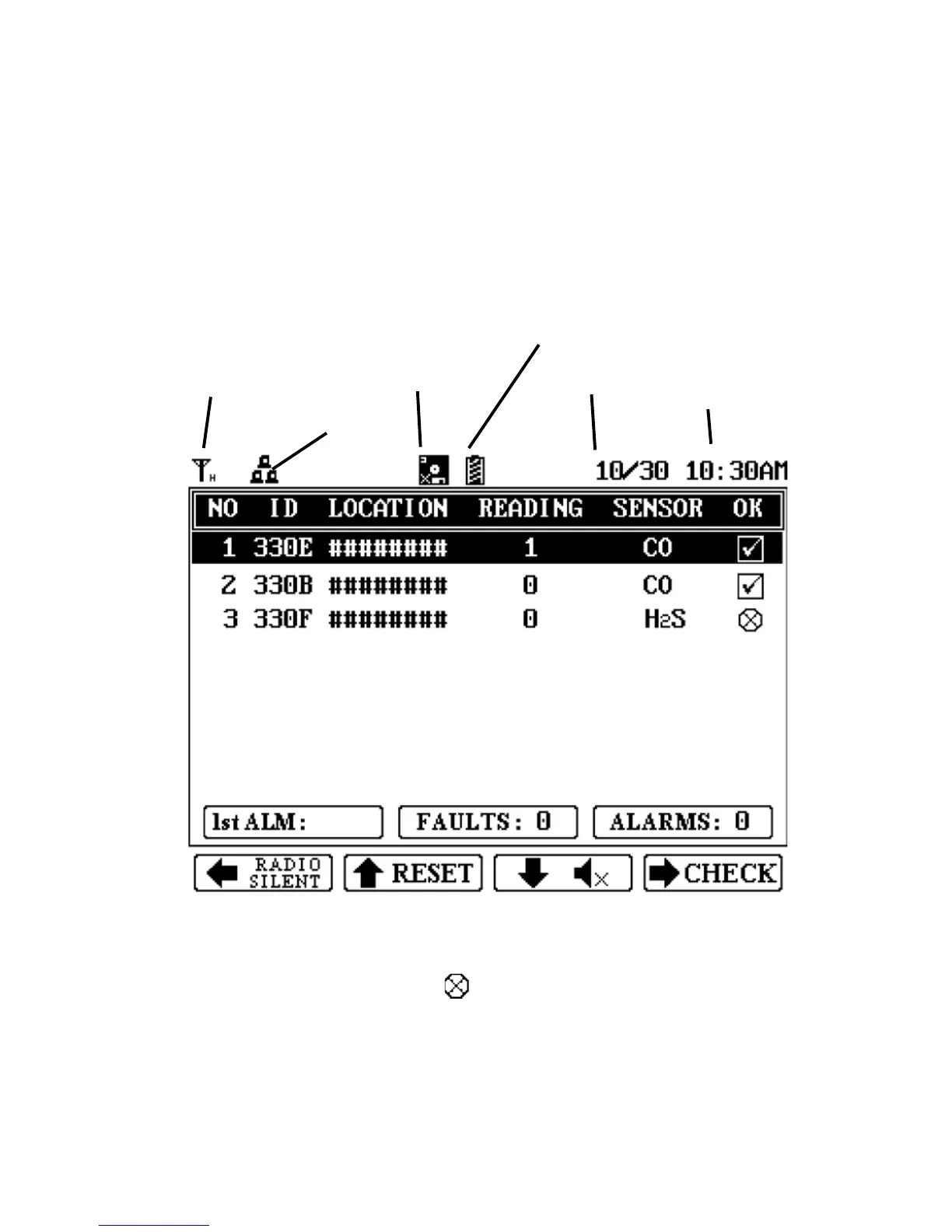
If remote monitors are connected and sending data to the
Controller, each monitor’s data is shown in a row with an
identification number, radio ID, Station name, sensor value
(reading), sensor type, and status (OK checked).
Note: When wireless connectivity to an instrument is lost, the
checkbox under the “OK” heading is replaced by this symbol:
The instrument is not removed from the list. Instead, it drops to
the bottom of the list. If connectivity is restored, the checkbox is
shown again.



 To Next Page