FMC2000 User’s Guide
8 Operating The FMC2000
The FMC2000 starts up quickly and requires no intervention on
the part of the user, other than turning on the power switch. Once
it is powered up, the FMC2000 performs self-tests and
automatically initiates communications.
8.1 Turning The FMC2000 On
1. Connect the FMC2000 to a source of AC power.
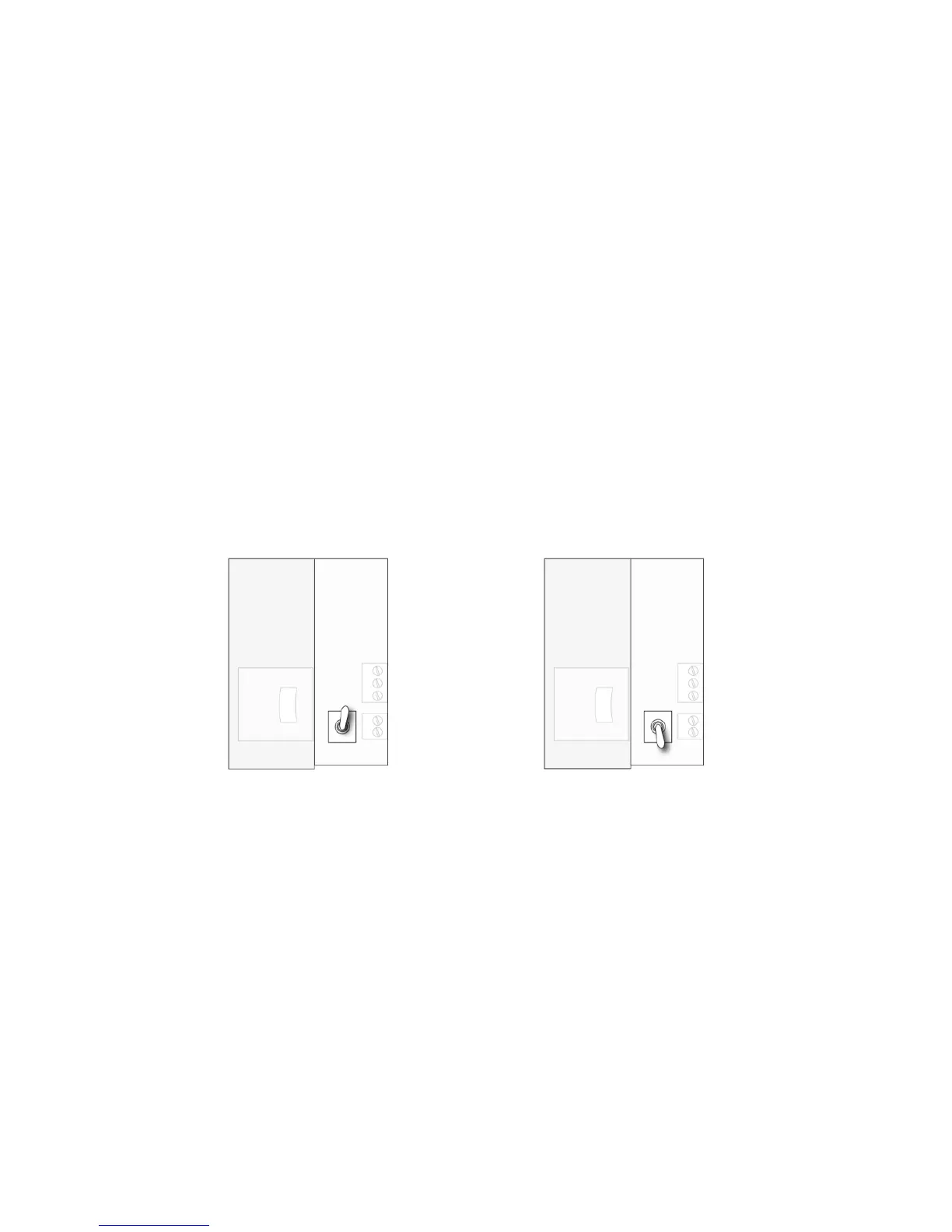
2. With the FMC2000 turned off, unlock the front panel with the
key, and flip the small toggle switch located next to the SD
card.
LEDs inside the FMC2000 indicate proper operation:
• If the radio transmitter is on, the LED next to it should
blink.
• If datalogging is turned on, the LED next to the SD card
should blink.
3. Close and lock the front panel.



 To Next Page