FMC2000 User’s Guide
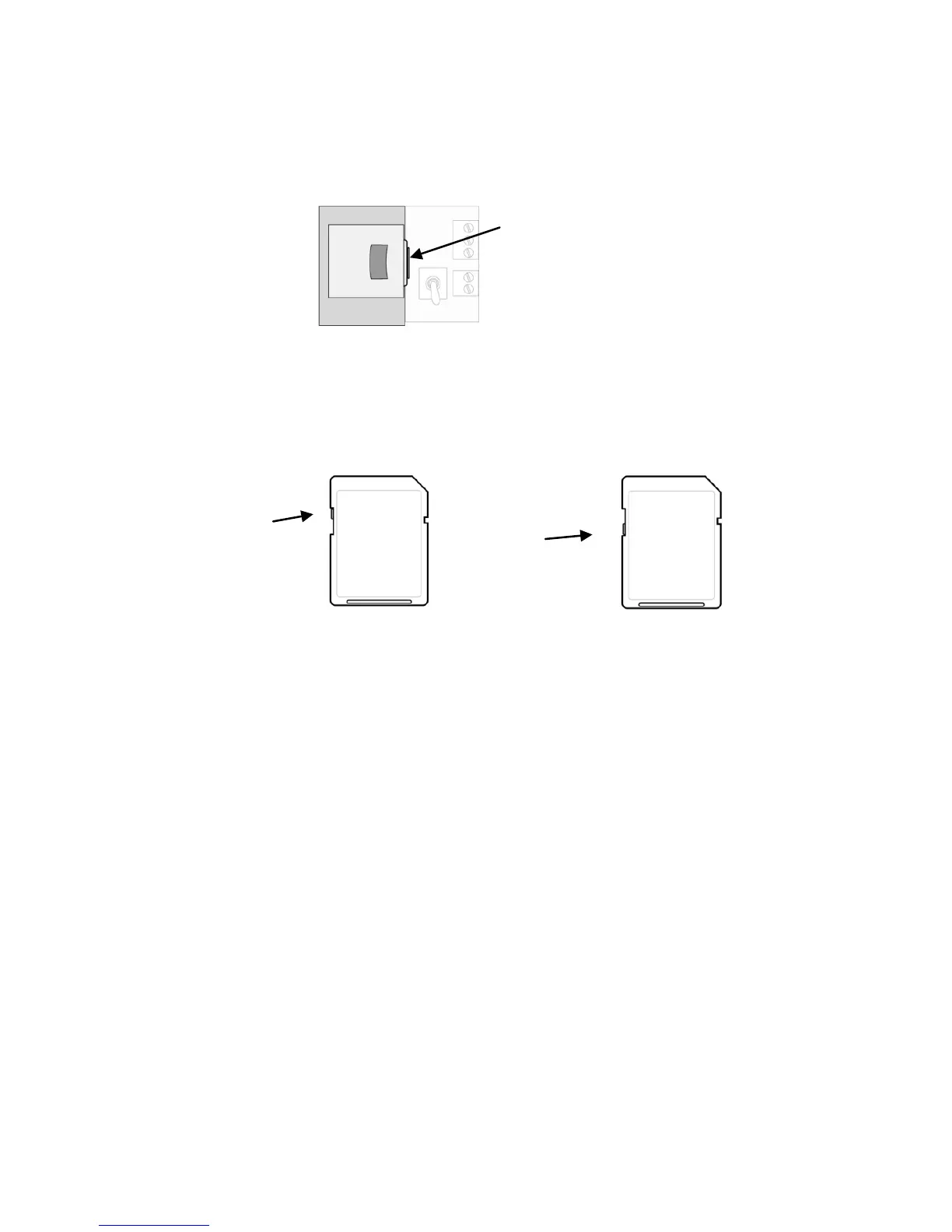
Removing an SD card. Press the SD card and release it. It will
make a click and push part of the way out of the slot.
The FMC2000 cannot write data to a locked SD card. If the SD
card is locked, remove it and unlock it by moving the lock tab;
then reinsert the SD card.
If remaining space for data on the SD card is very low, the
FMC2000 alerts you with a message on the screen. Replace the
SD card with another with more space on it, or offload the data to
a computer. Then erase the data from the card, using your
computer, and reinsert the SD card back into the FMC2000.
IMPORTANT!
Keep enclosure closed whenever an SD card is not being inserted
or removed. This helps to keep the reading mechanism and the SD
card clean, especially in dusty environments.



 To Next Page