FMC2000 User’s Guide
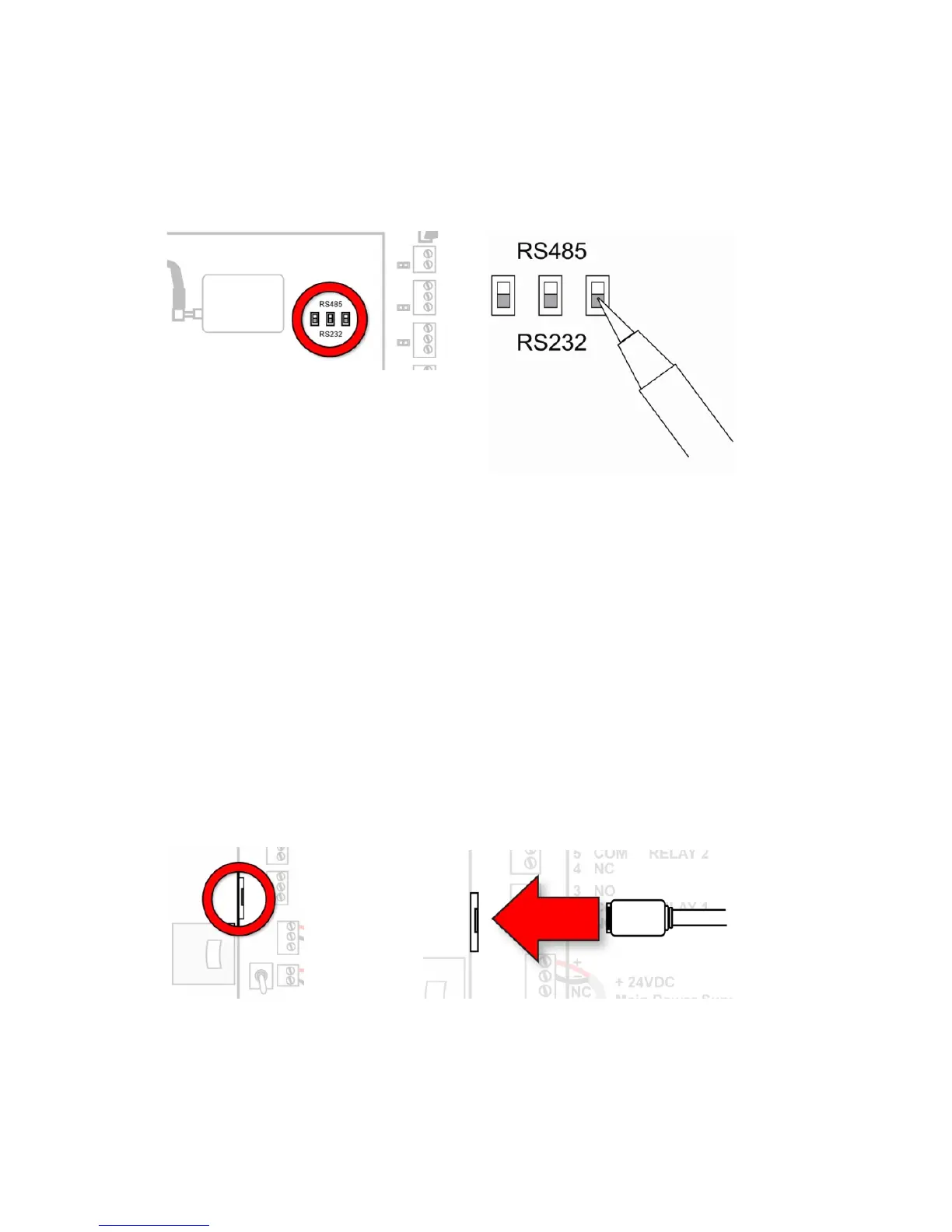
In addition, on the main PC board, switches S2, S4, and S5 must
be set to RS485. (These three switches are located near the
wireless communications module.)
29 Appendix D: Connecting Ethernet
Connecting the FMC2000 to a network via Ethernet requires
plugging an Ethernet-compatible cable (typically, an RJ-45
connector on Cat-5 cable) into the Ethernet port on the upper PC
board and then configuring the IP address, data type, etc. This may
require consulting your Information Technology support,
depending on the type of network you are connecting to.



 To Next Page