FMC2000 User’s Guide
27.3 Checking Relay Continuity
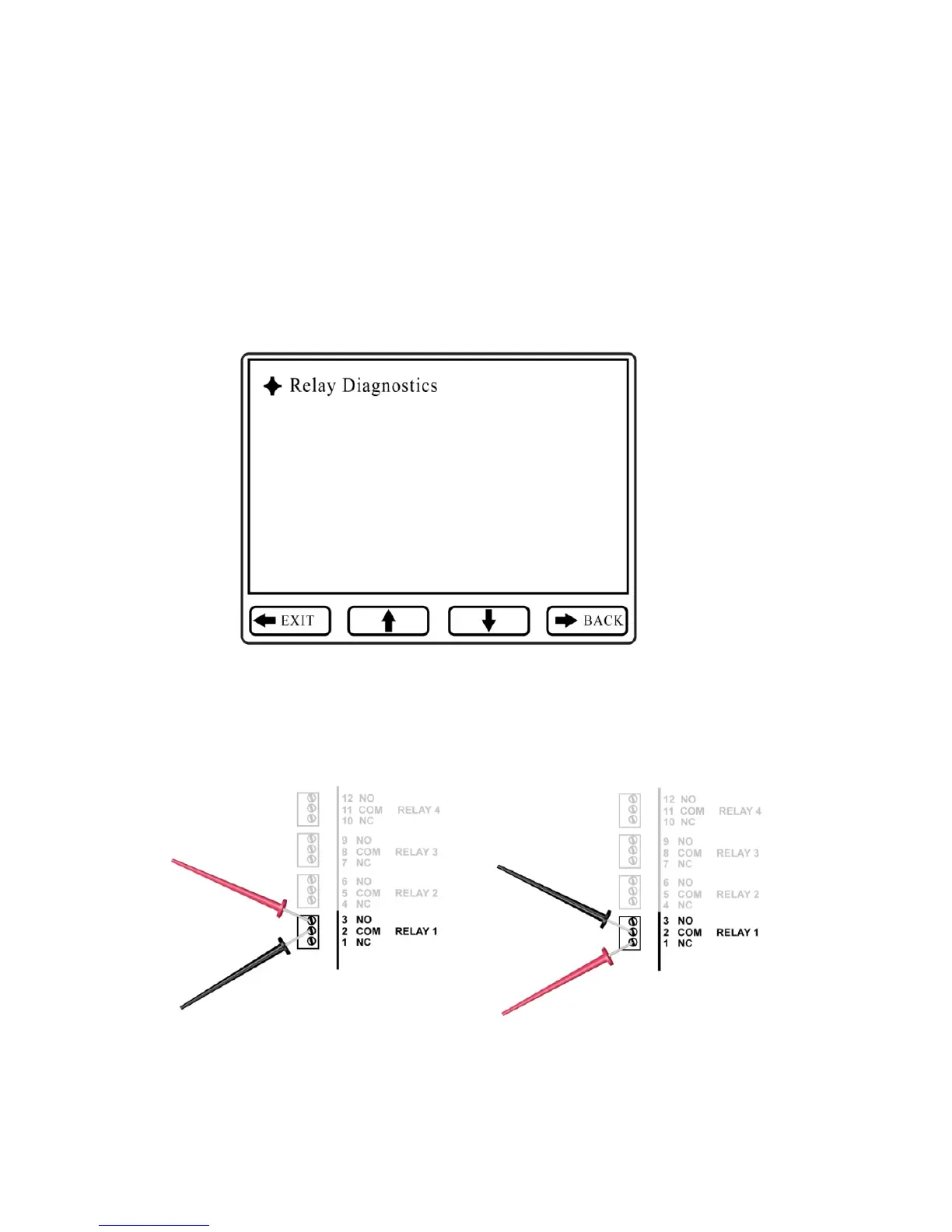
Each relay has a common terminal and a normally open (NO) and
normally closed (NC) terminal. Use a continuity tester or
voltmeter (set to measure resistance) to check the relay’s activity.
1. Enter the Relay Diagnostic menu. Press Enter, followed by
the password (the default is 123456).
2. Touch the probes of a continuity tester or voltmeter to the
NO and COM terminals on the relay’s relay block inside
the FMC2000.



 To Next Page