FMC2000 User’s Guide
18.3.4 Protocol
Choose a communications protocol for the FMC2000
communications with other equipment. Options are: Modbus or
RCS (Honeywell Analytics Communications System).
1. Use up and down arrow to select either MODBUS or RCS.
2. Press Enter.
18.3.5 Monitor Address
You can choose two types of Monitor Address: Static or Dynamic.
This makes it easier in some cases to integrate data from into
existing non-FMC2000 systems.
Dynamic: Links the Modbus output to the ID of the instrument
communicating with the FMC2000 (for example, 15A8, etc.).
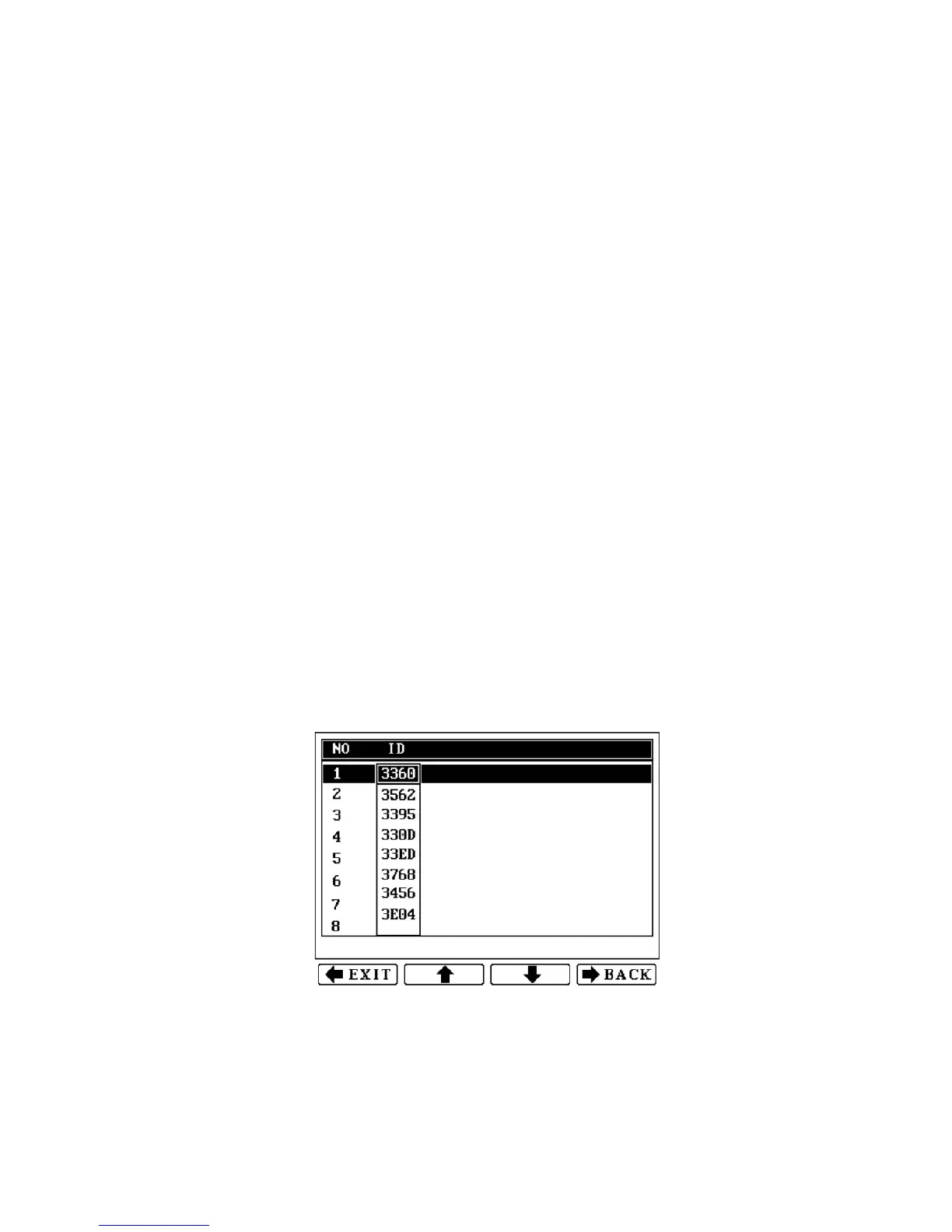
Static: Links ModBus output to the unit number in the leftmost
column of the main display (1, 2, 3, 4, etc.).
\
When the Static option is set, if an instrument goes into alarm, it
maintains its status as 1, 2, 3, 4, etc., as configured, rather than
changing. Also, when using Static ModBus, you must assign each
instrument ID to a static number.
Note: Dynamic is the factory default state.
1. Use the up and down arrows to select either MODBUS or
RCS.
2. Press Enter.
72



 To Next Page