FMC2000 User’s Guide
7.1 Status LEDs
The status LEDs provide the following basic visual information:
Glows green when the FMC2000 is on
Glows orange when problem is encountered
Glows red during High Alarm
Glows red during Low Alarm
Glows green when receiving data from a remote
device
Glows green when transmitting data to a remote
device
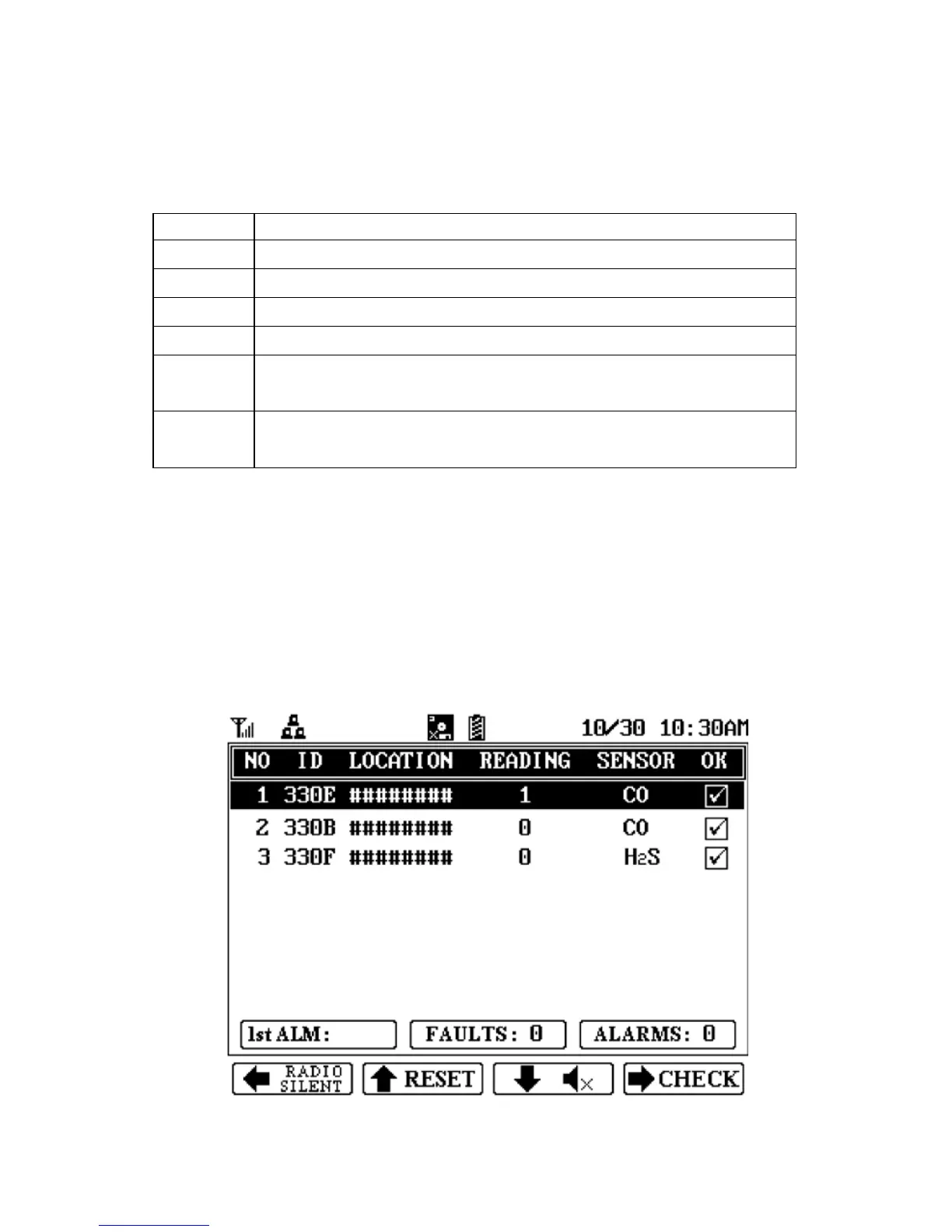
7.2 Display
The LCD display provides visual feedback that includes the
reading, time, battery condition, and other functions. It also
includes “soft key” indicators along the bottom that show the
relationship of functions with the large buttons arranged vertically
along the keypad’s right side.
17



 To Next Page