FMC2000 User’s Guide
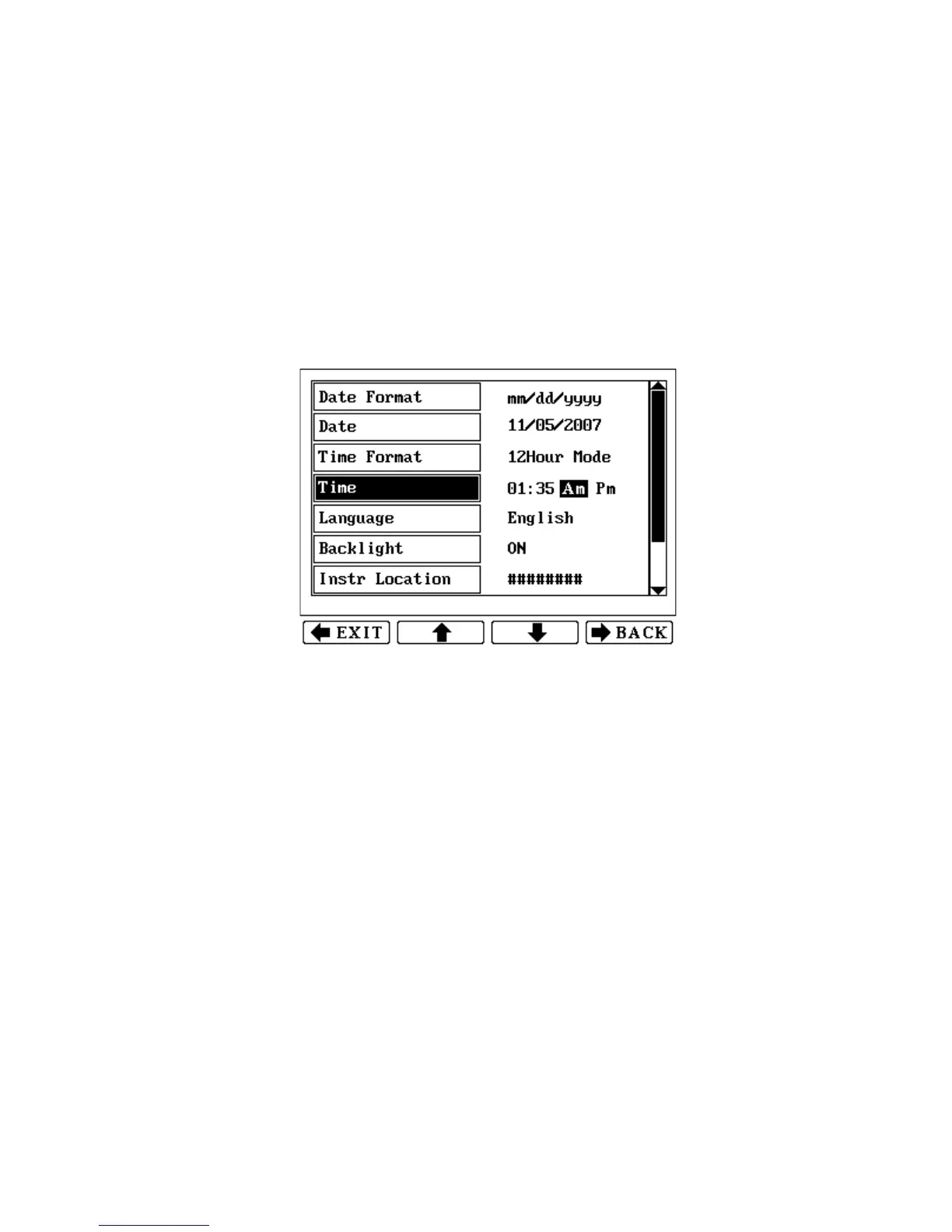
3. After you have changed the four digits for the time, press
Enter to register the time.
4. AM or PM is highlighted by a blinking box. Change AM to
PM (or vice versa) by pressing the up or down arrow.
5. Press Enter to make and save a selection. Press Back to return
to the Basic Settings menu without saving your changes, or
press Exit to return to the monitoring screen without saving
your changes.
To set the time in 24 Hour mode:
1. Press Enter to edit the time. The first digit is highlighted by a
blinking box.
2. Change a number by pressing one of the number keys (0
through 9). To skip a digit, press the down or up arrow.
3. Press Enter to make and save a selection. Press Back to return
to the Basic Settings menu without saving your changes, or
press Exit to return to the monitoring screen without saving
your changes.
42



 To Next Page