FMC2000 User’s Guide
Once the SD card is in the adapter and connected to the computer,
it should show up as an external device or a drive.
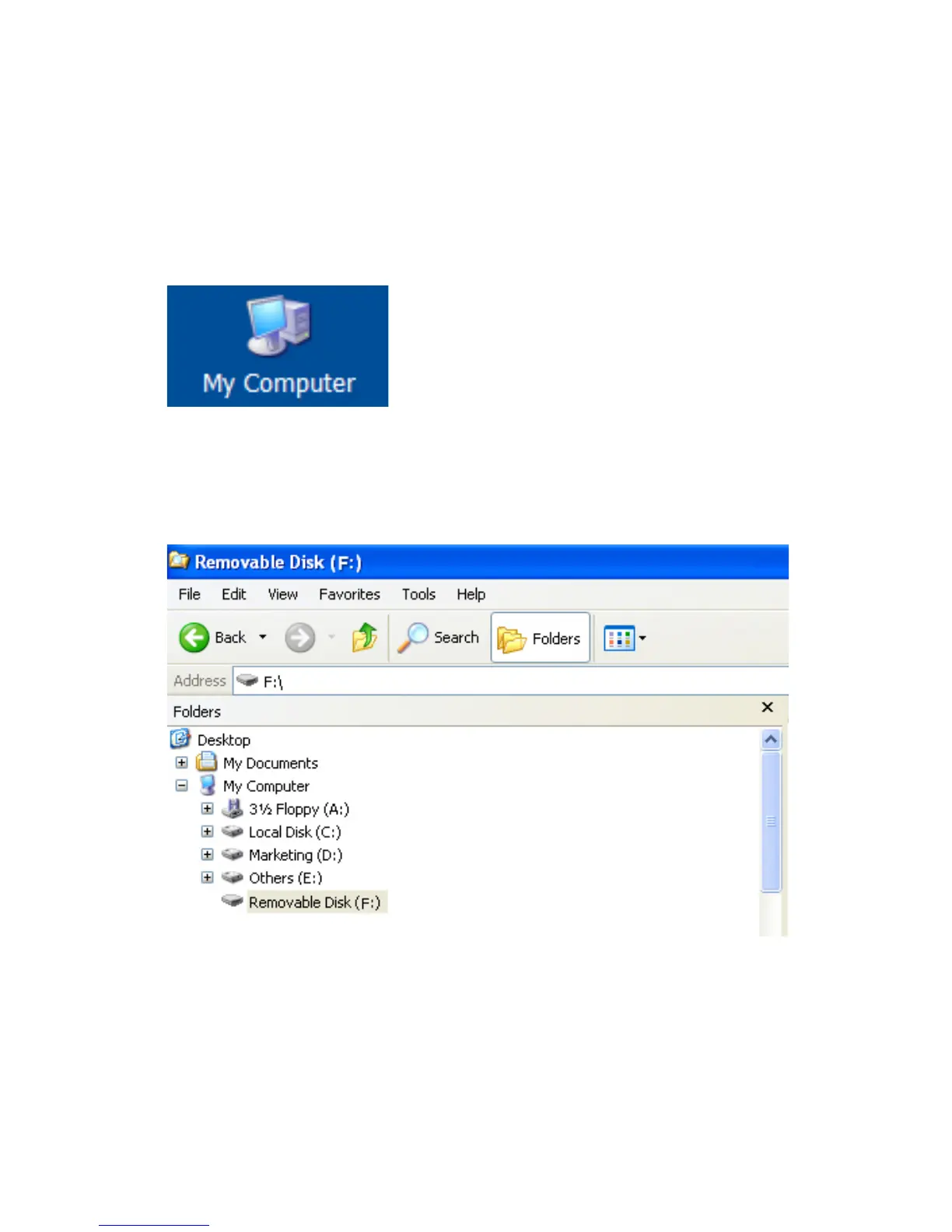
1. Double-click the My Computer icon on your desktop.
When it opens, you should see a list of drives, including your C:
drive, where most programs reside, and the external device
holding the SD card.
2. Double-click on the name of the device to open its directory.
You now see a folders containing a file created by the
FMC2000.
3. Create a folder on your computer.
4. Use your mouse to drag the file into that folder.
76



 To Next Page