FMC2000 User’s Guide
1. Make sure the SD card is not locked.
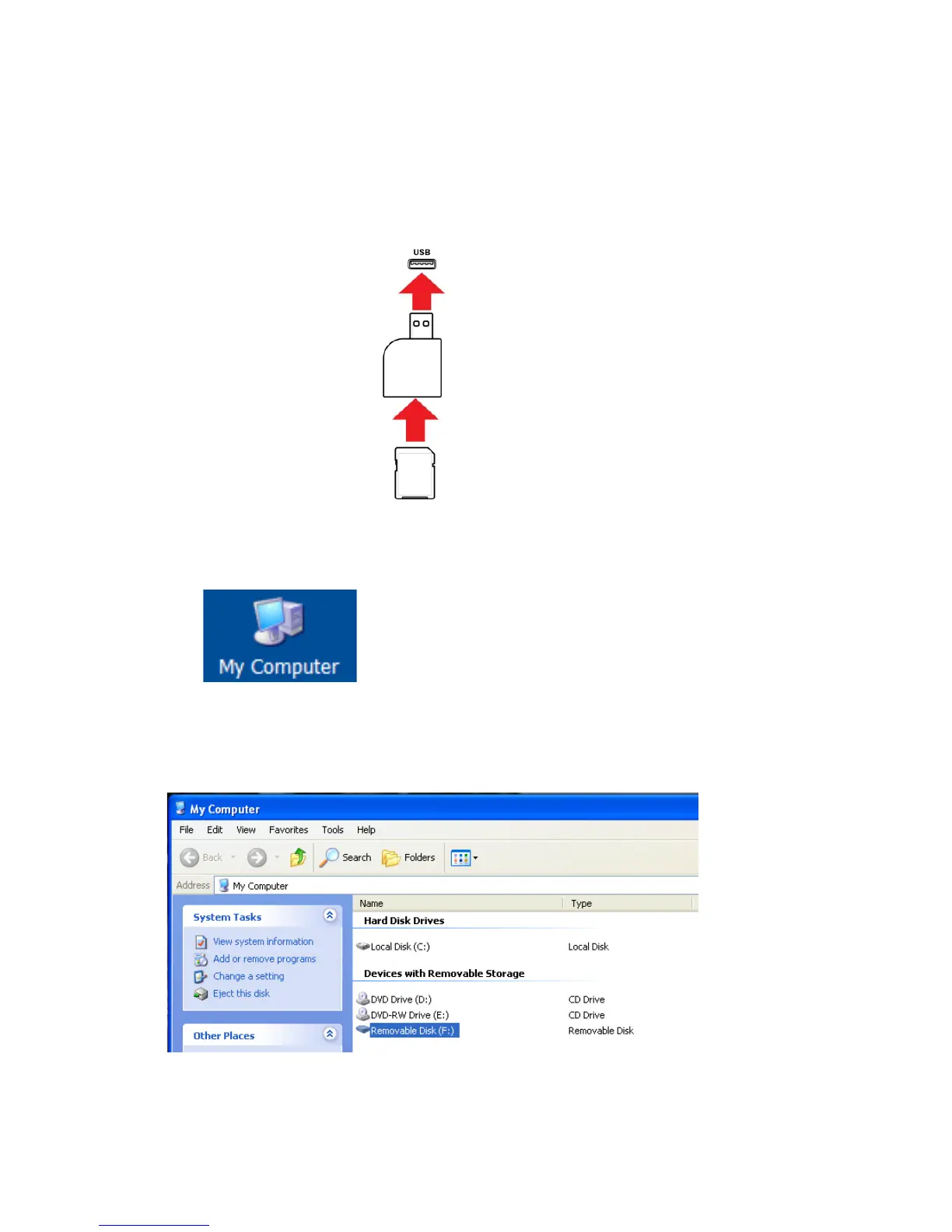
2. Place the SD card into an adapter and connect it to a
computer’s USB port (some computers have a card slot and
do not require an adapter).
3. Double-click the “My Computer” icon on the computer’s
desktop.
The list of Devices with Removable Storage should include
your SD card with a title of “Removable Disk.”



 To Next Page