HP 81110/04A Quick Start Getting Started 75
Getting Started
Examples
4 Press the |LEVELS| softkey to enter the Levels menu.
• Move the Entry Focus to
Offset and Amplitude and select in the MOD-
IFY area
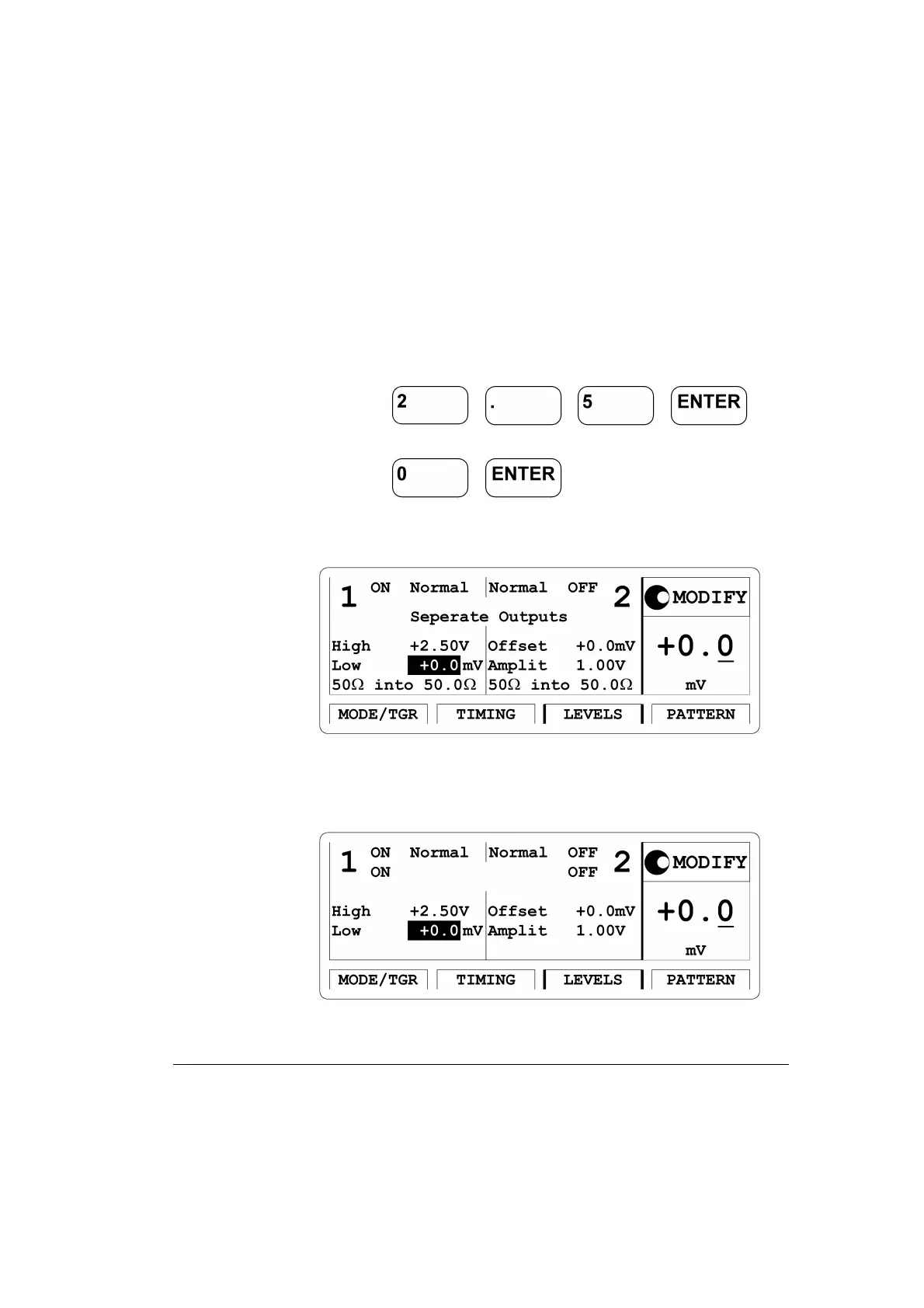
High-Low, then move Entry Focus to high level entry field
and press for
high level and move down the Entry Focus to the low level entry field
and press .
Figure 28 Current LEVELS Screen for HP 81104A and HP 81110A
with HP 81111A installed
Figure 29 Current LEVELS Screen for HP 81110A with HP 81112A in-
stalled



 To Next Page