HP 81110/04A Quick Start Getting Started 81
Getting Started
Examples
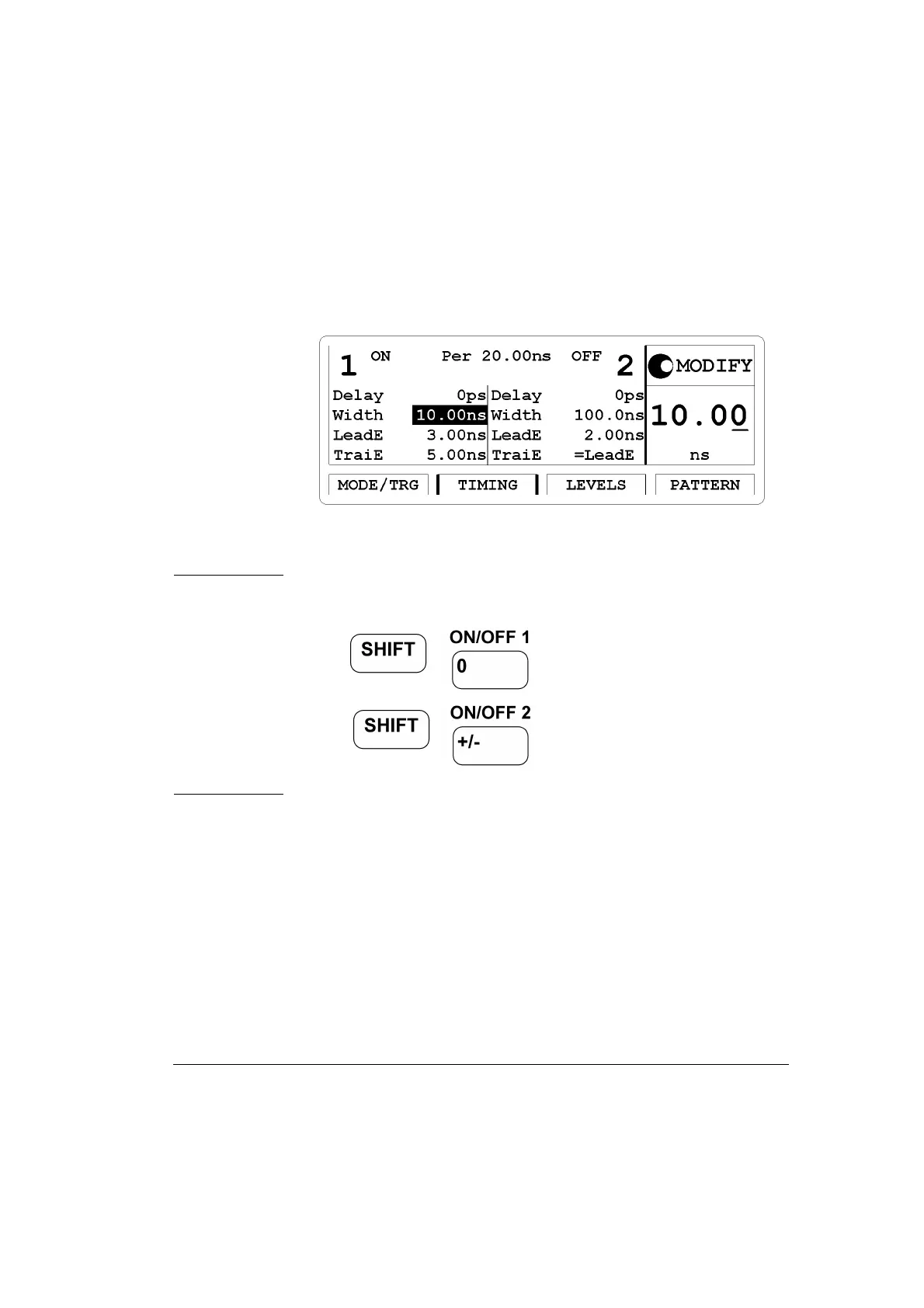
Figure 33 Current TIMING Screen
NOTE: The Output channel can be turned on and off in either the
|LEVELS| or |TIMING| screens or by the following: pressing
for Output 1 and
for Output 2. Repeated pressing of
the keys toggles the output state from on to off and vise versa.



 To Next Page