2
Setting the Output Power of a Modulated Signal
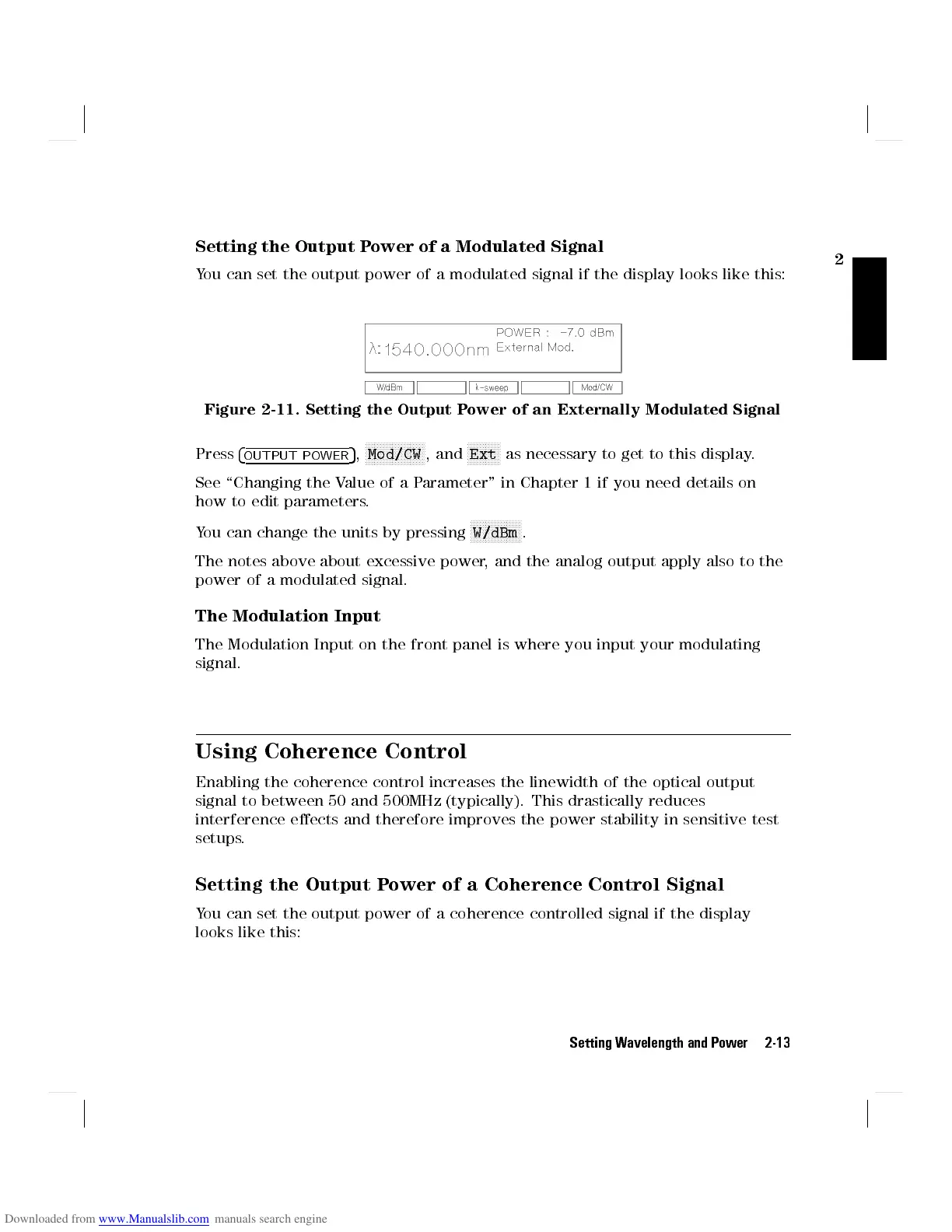
You can set the output power of a modulated signal if the display looks like this:
Figure 2-11. Setting the Output Power of an Externally Modulated Signal
Press
4
OUTPUT POWER
5
,
NNNNNNNNNNNNNNNNNNNN
Mod/CW
, and
NNNNNNNNNNN
Ext
as necessary to get to this display.
See \Changing the Value of a Parameter" in Chapter 1 if you need details on
how to edit parameters.
You can change the units by pressing
NNNNNNNNNNNNNNNNN
W/dBm
.
The notes above about excessive power, and the analog output apply also to the
power of a modulated signal.
The Modulation Input
The Modulation Input on the front panel is where you input your modulating
signal.
Using Coherence Control
Enabling the coherence control increases the linewidth of the optical output
signal to between 50 and 500MHz (typically). This drastically reduces
interference eects and therefore improves the power stability in sensitive test
setups.
Setting the Output Power of a Coherence Control Signal
You can set the output power of a coherence controlled signal if the display
looks like this:
Setting Wavelength and Power 2-13



 To Next Page