398
Chapter 14, Oscilloscope Screen
Using the Oscilloscope
Using the Oscilloscope
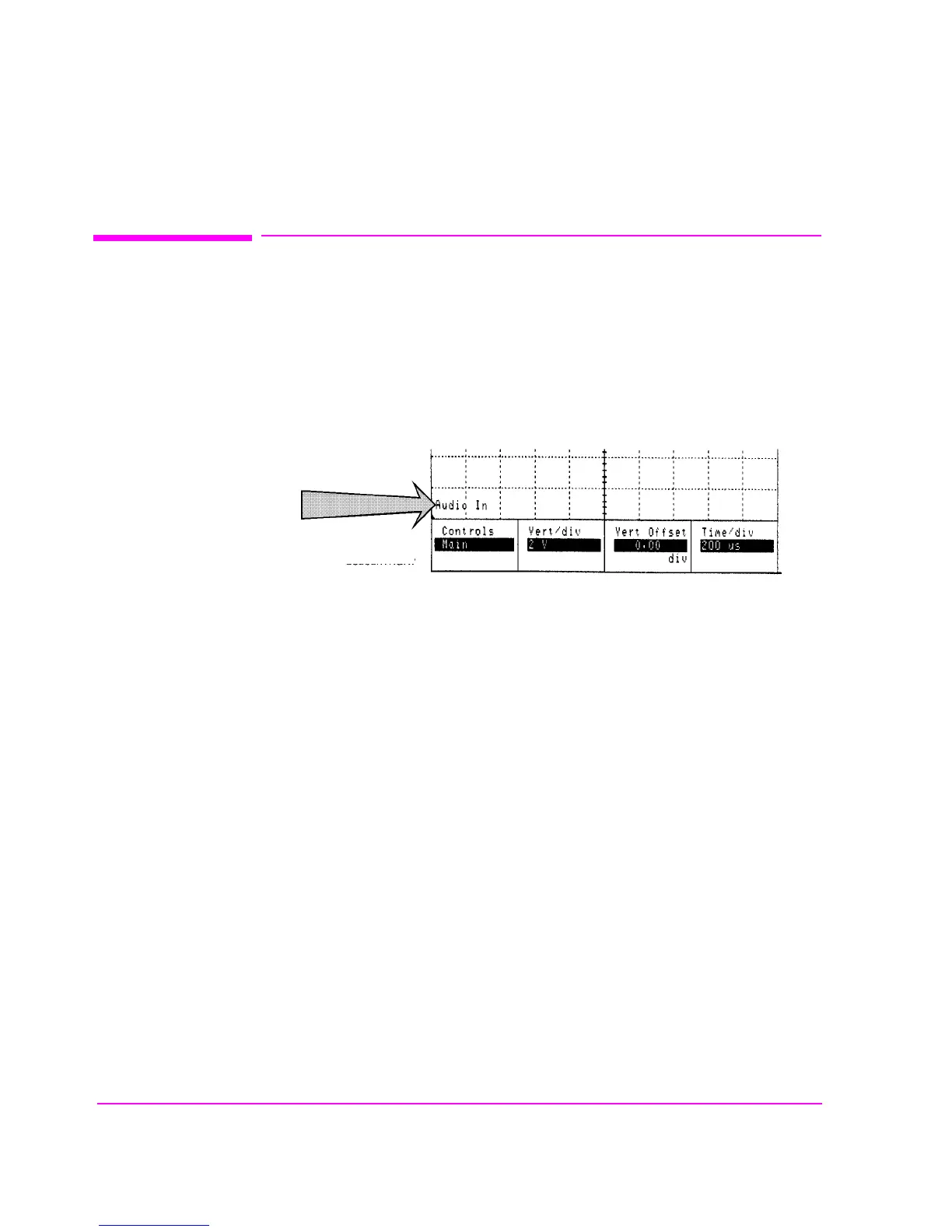
Selecting the Oscilloscope’s Input
The oscilloscope’s input is determined by the AF Anl In field setting in the AF
ANALYZER, TX TEST, or DUPLEX TEST screens.
Figure 86 Oscilloscope Input Indicator
Using the Scope To Field
The Scope To field in the AF ANALYZER screen allows you to look at the
signal at different stages in the AF Analyzer’s process. (Refer to the AF
ANALYZER screen description to understand the different Scope To choices.)
Except for the
Input setting, all the choices are capacitively coupled. If the signal
to be measured is ≤1 Hz, use the Input setting to provide the needed dc coupling.
oscscrn1.wmf



 To Next Page