455
Chapter 21, Spectrum Analyzer Screen
Field Descriptions
RF Generator Menu Fields, Fixed Operation
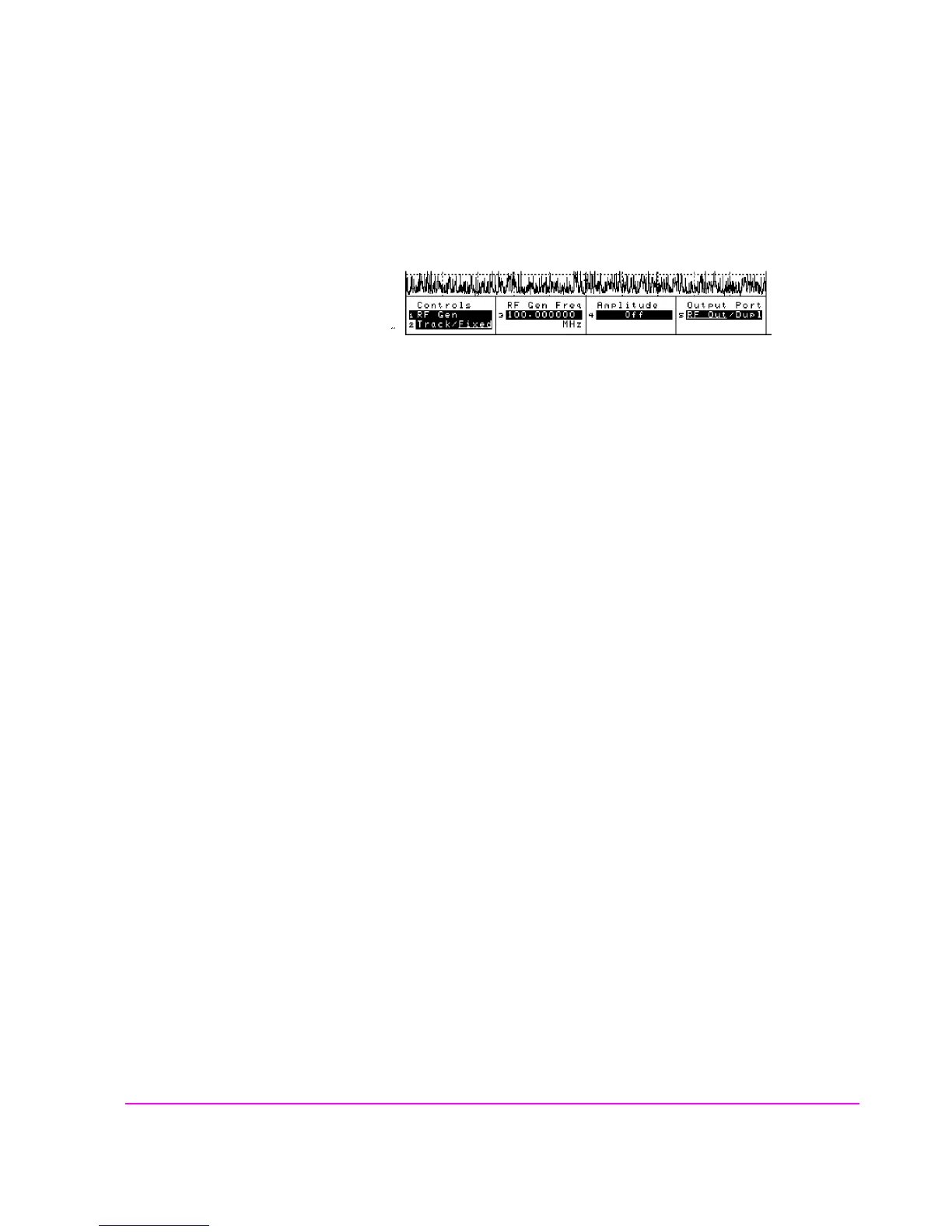
Figure 99 Using the Spectrum Analyzer with the RF Generator
Amplitude
This field sets the amplitude of the RF Generator.
Operating Considerations
This is a priority control field. Accessing the RX TEST screen overrides the
Amplitude setting on this screen.
If a microphone is connected, and the amplitude is off, keying the microphone
causes the amplitude to turn on to its previous level until the microphone is no
longer keyed.
See Also
"Interaction Between Screens" on page 54
sascrn3.wmf



 To Next Page