6–6 Hardware and Software Guide
Hardware Options and Upgrades
Inserting a PC Card
Ä
CAUTION: To prevent damage to the PC Card connectors:
■ Use minimal force when inserting a PC Card into a PC Card slot.
■ Do not move or transport the notebook while a PC Card is inserted.
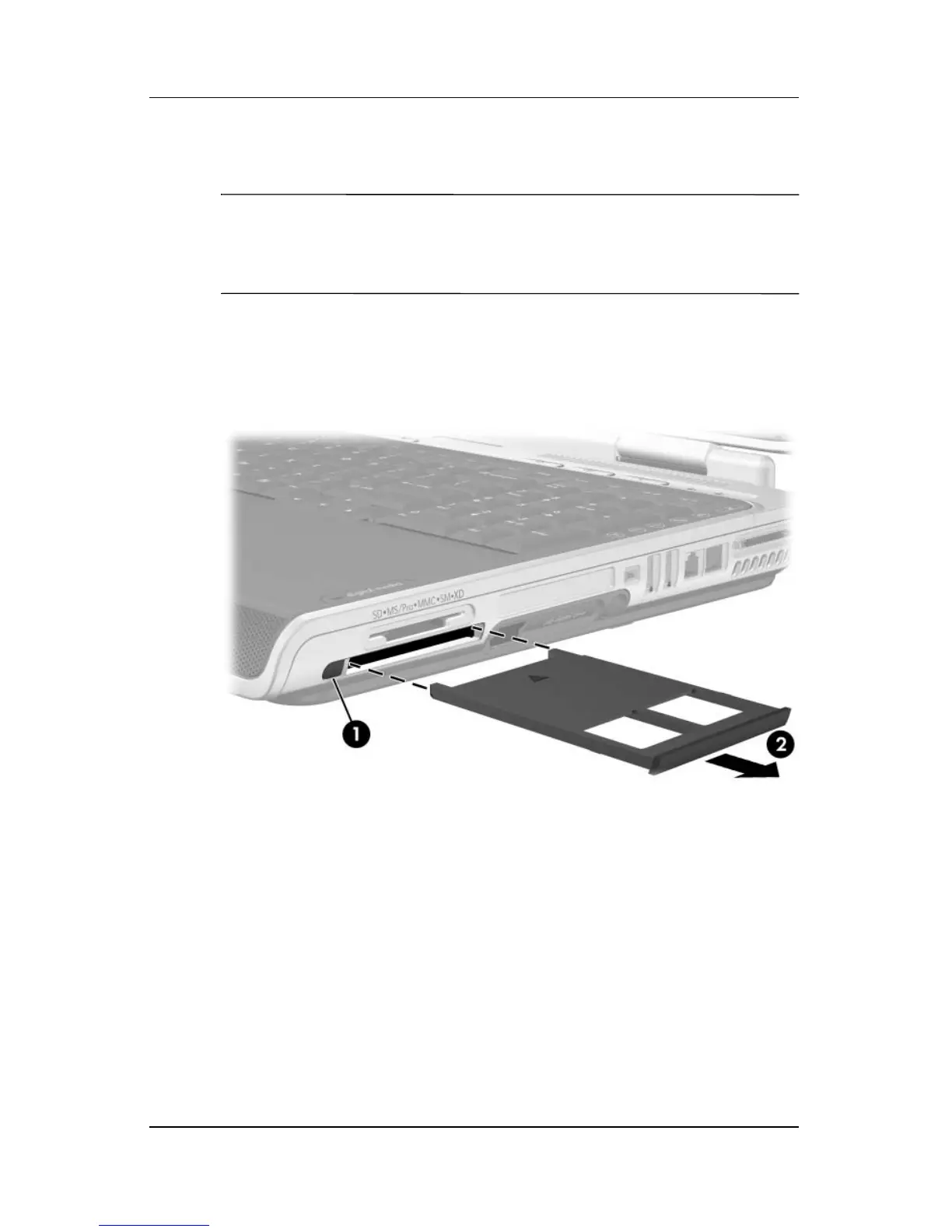
1. Press the PC Card eject button 1 to extend the button, and
then press the button again to release the PC Card slot cover.
2. Remove the PC Card slot cover 2.












 To Next Page