2–2 Hardware and Software Guide
Keyboard
TouchPad
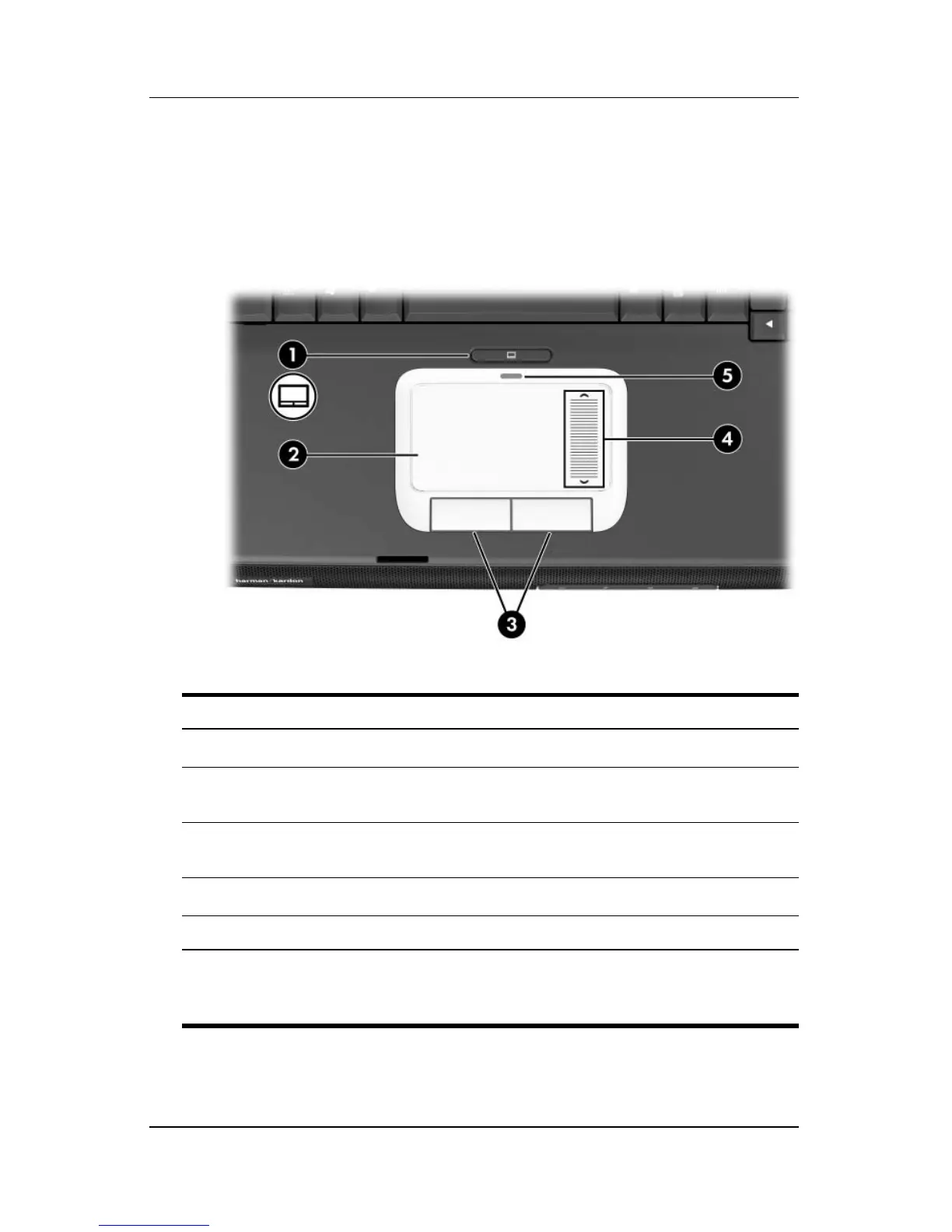
Identifying TouchPad Components
Component Description
1
TouchPad button Enables/disables the TouchPad.
2
TouchPad* Moves the pointer and selects or
activates
items on the screen.
3
Left and right TouchPad
buttons (2)*
Function like the left and right buttons
on an external mouse.
4
TouchPad scroll zone* Scrolls up or down.
5 TouchPad light On: TouchPad is enabled.
*This table describes default settings. For information about changing the
functions of TouchPad features, see the
“Setting TouchPad Preferences”
section, later in this chapter.












 To Next Page