7–18 Hardware and Software Guide
Drives
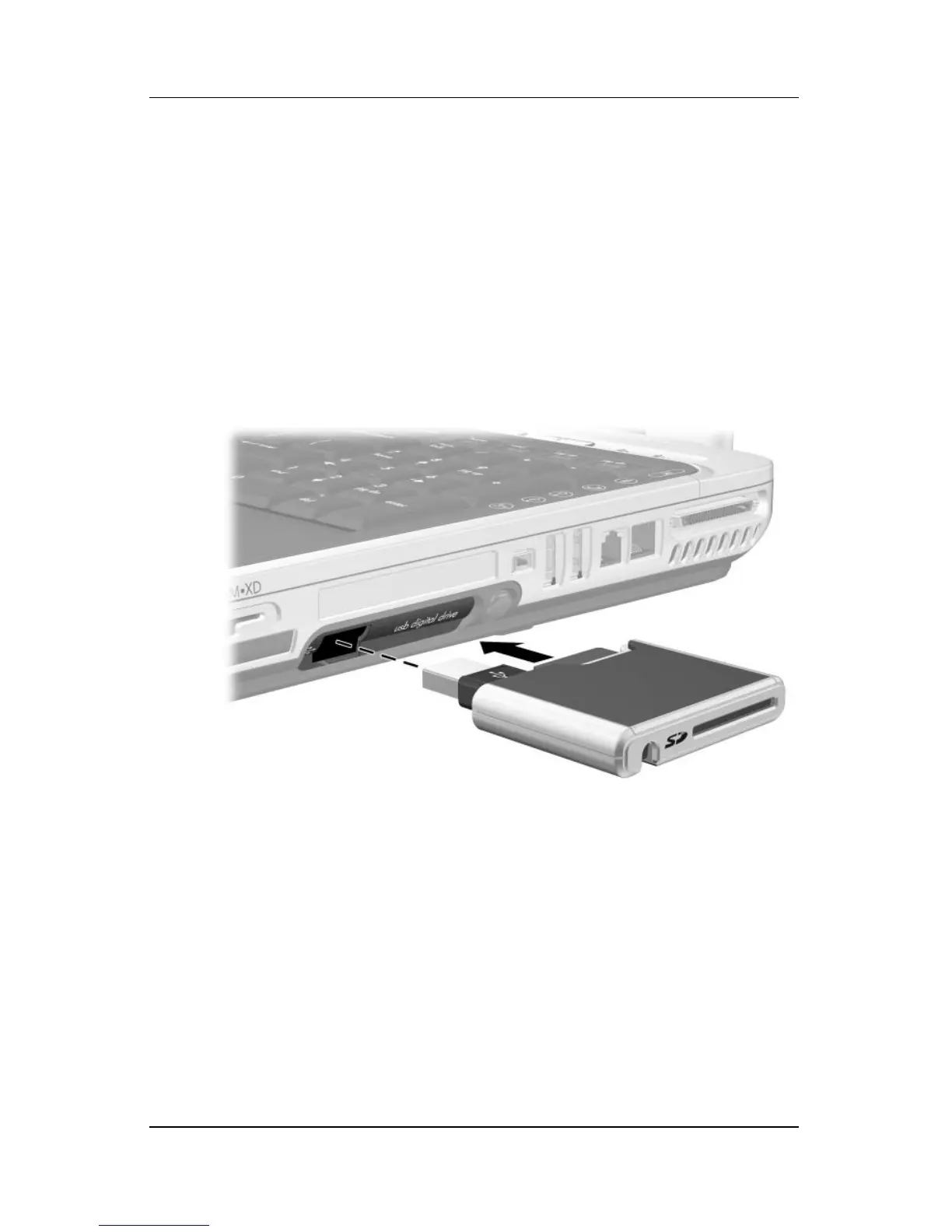
Inserting an Optional Digital Drive into the
Digital Drive Bay
To insert the optional digital drive into the digital drive bay:
1. Ensure that you have installed an SD Memory Card into the
digital drive.
2. Gently insert the digital drive, label side up, into the digital
drive bay.












 To Next Page