6–14 Hardware and Software Guide
Hardware Options and Upgrades
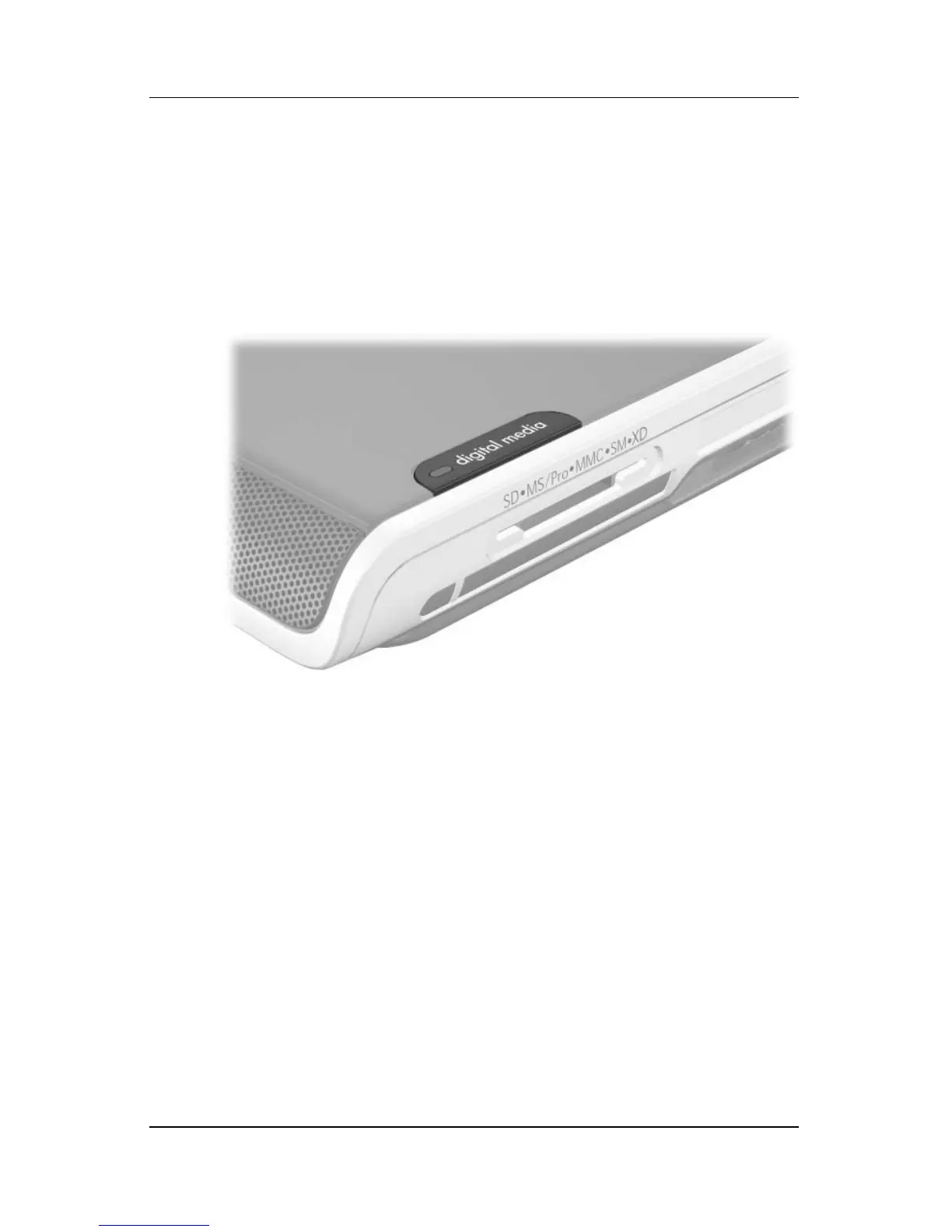
Using the Digital Media Light
The digital media light is turned on when an inserted digital
memory card is being accessed. The digital media light is turned
off when inserted digital media is inactive or when the Digital
Media Slot is
empty.












 To Next Page