1–10 Hardware and Software Guide
Hardware
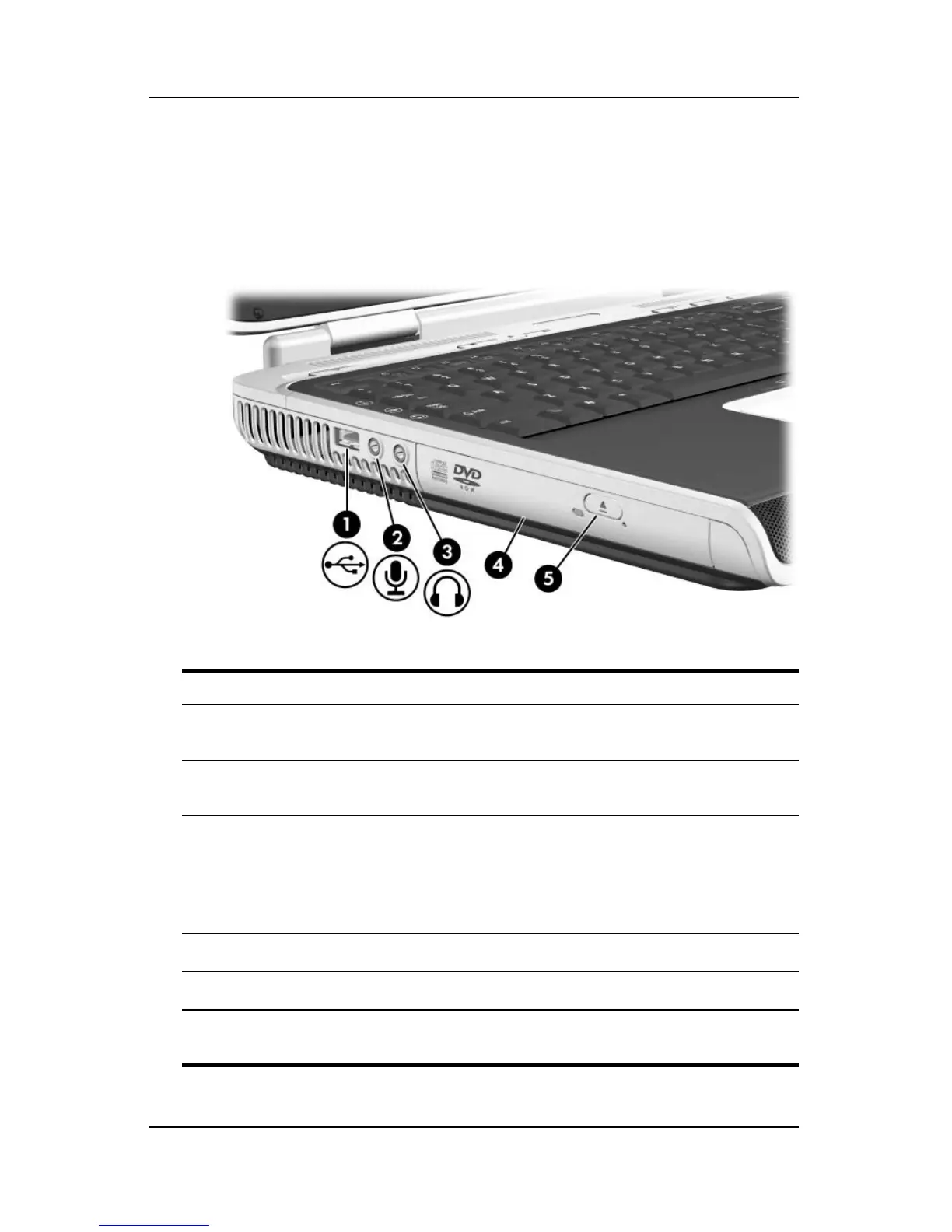
Left-Side Components
Connectors, Jacks and Components
Component Description
1
USB port Connects an optional 1.1- or
2.0-compliant USB device.
2
Audio-in (microphone) jack Connects an optional monaural
microphone.
3
Audio-out (headphone) jack Connects optional headphones or
powered stereo speakers. Also
connects the audio function of an
audio/video device such as a television
or
VCR.
4
Optical drive* Supports an optical disc.
5
Optical drive release button Opens the optical drive.
*The type of optical drive, such as a combination CD-ROM/DVD-ROM,
varies by model.












 To Next Page