Hardware Options and Upgrades
Hardware and Software Guide 6–15
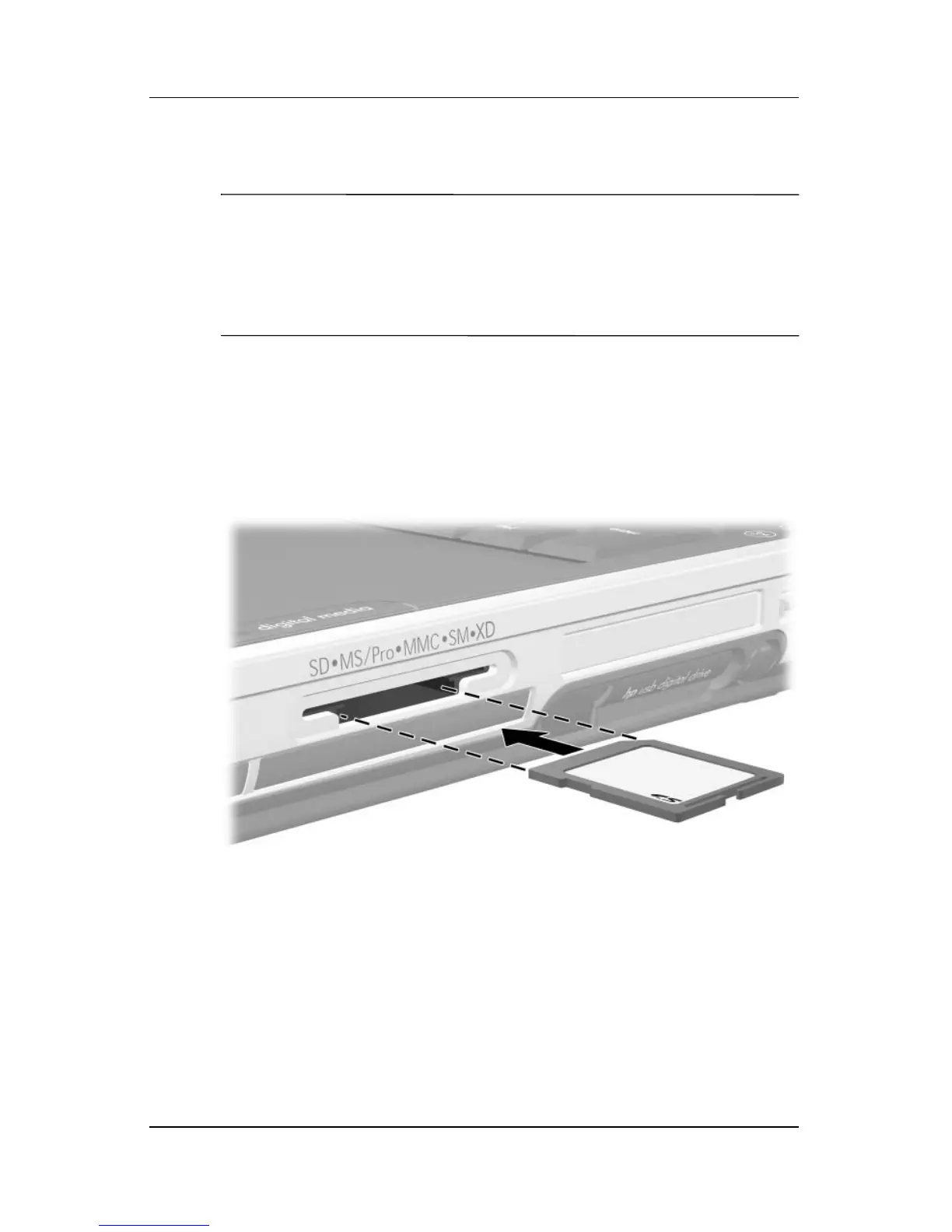
Inserting Digital Memory Cards
Ä
CAUTION: To prevent damage to the digital memory card connectors:
■ Use minimal force when inserting a digital memory card into a
Digital Media Slot.
■ Do not move or transport the notebook while digital memory cards
are inserted.
1. Hold the card label-side up with the connectors facing
the
notebook.
2. Gently slide the card into the Digital Media Slot until the card
is seated. (The card will extend slightly beyond the edge of
the notebook.)












 To Next Page