2–12 Hardware and Software Guide
Keyboard
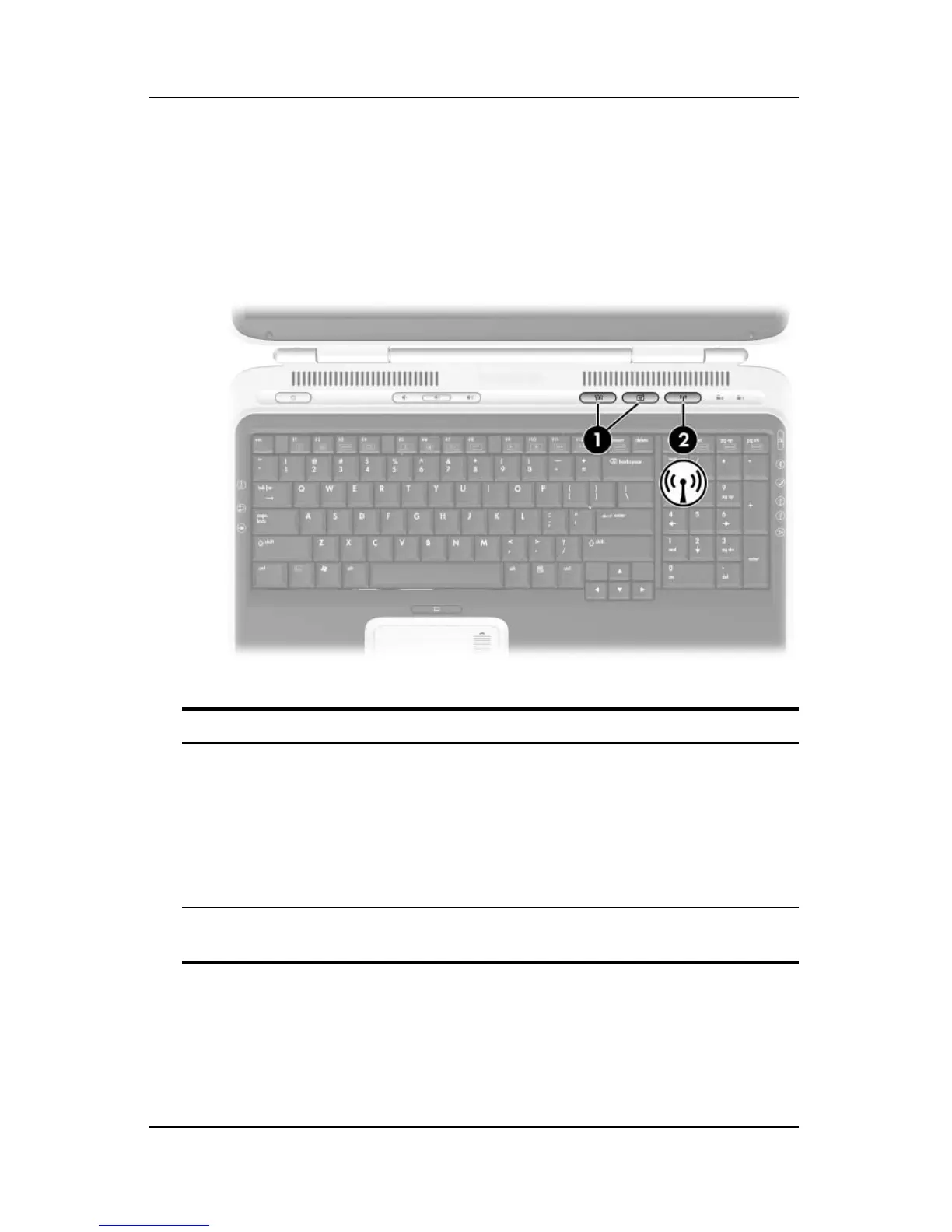
Quick Launch Buttons
Quick Launch buttons enable you to use one keystroke to access a
software application or to activate a wireless network device
(select models only).
Component Description
1
Quick Launch buttons Launch default multimedia, digital
imaging or music applications (varies
by model).
To reassign another application to a
Quick Launch button, refer to “Using
Custom Assignments and Schemes,”
later in this chapter.
2
Wireless button Turns the wireless network device on
and off (select models only).












 To Next Page