6–20 Hardware and Software Guide
Hardware Options and Upgrades
5. Remove the battery pack, if inserted. For instructions, refer to
“Replacing a Battery Pack” in Chapter 3.
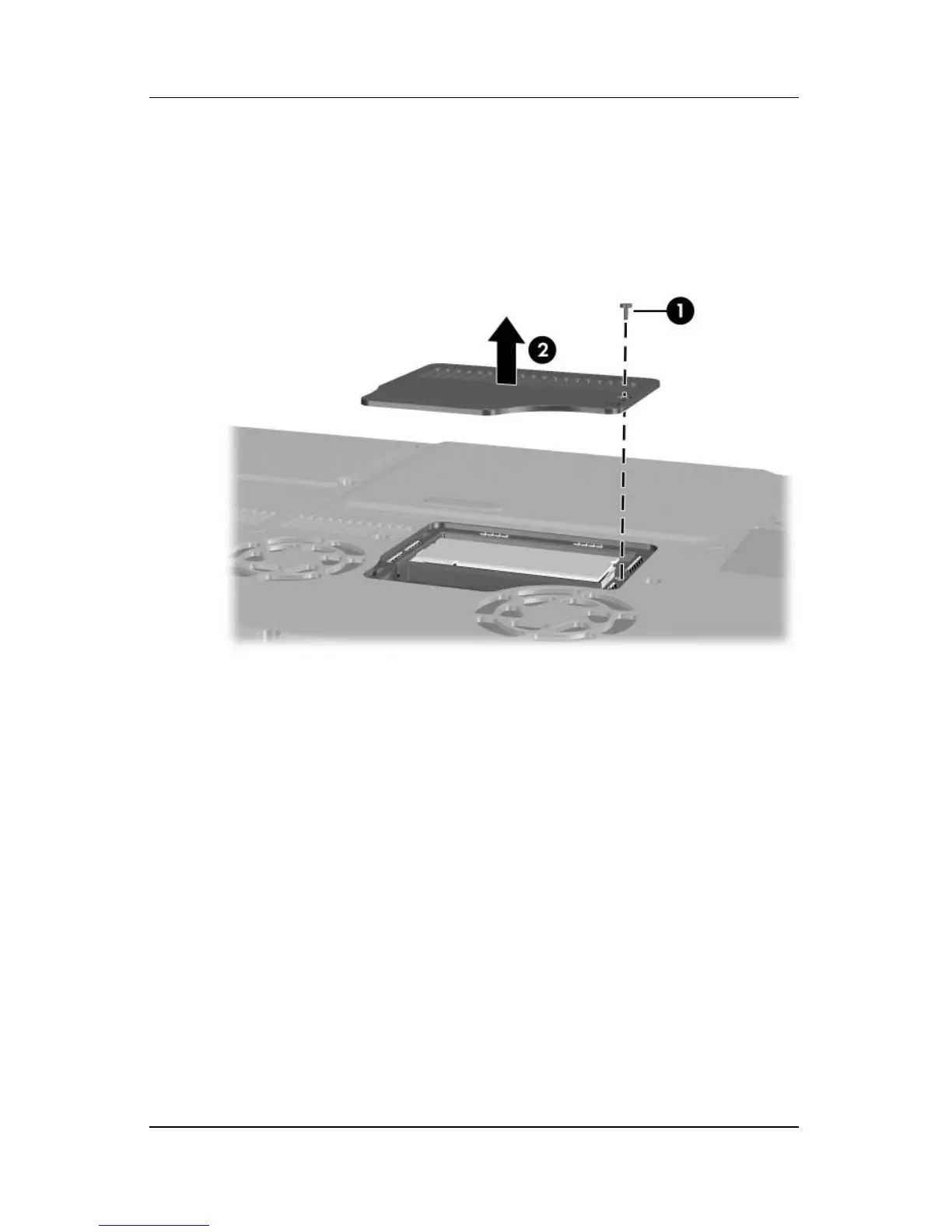
6. Remove the memory compartment screw 1.
7. Lift and remove the memory compartment cover 2.












 To Next Page