Drives
Hardware and Software Guide 7–9
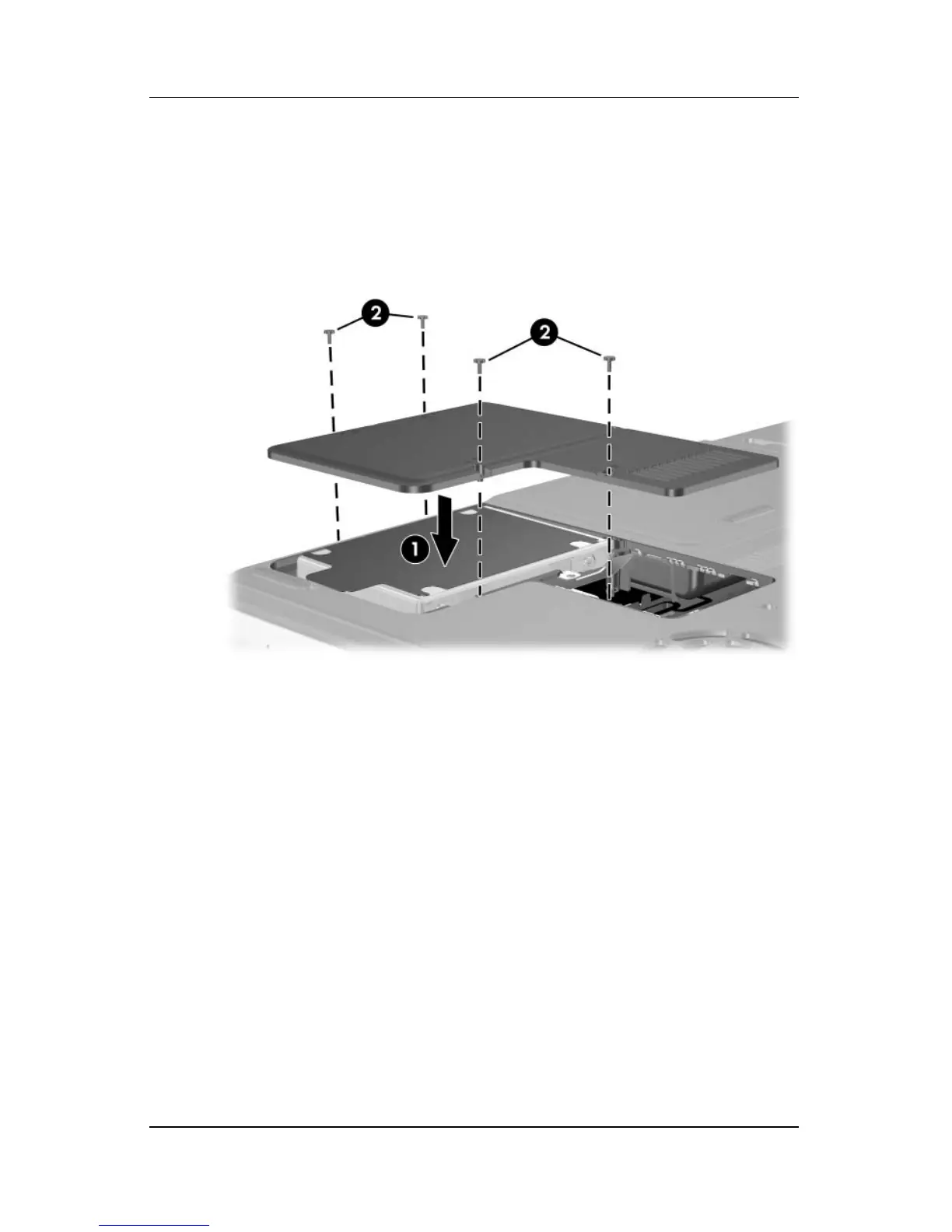
11. Lower the hard drive cover onto the hard drive bay 1.
12. If you have installed a hard drive, reinsert the 4 hard drive
retaining screws 2. (If you removed but did not replace a
hard
drive, put the retaining screws in a safe place.)












 To Next Page