Accounts and Messaging 97
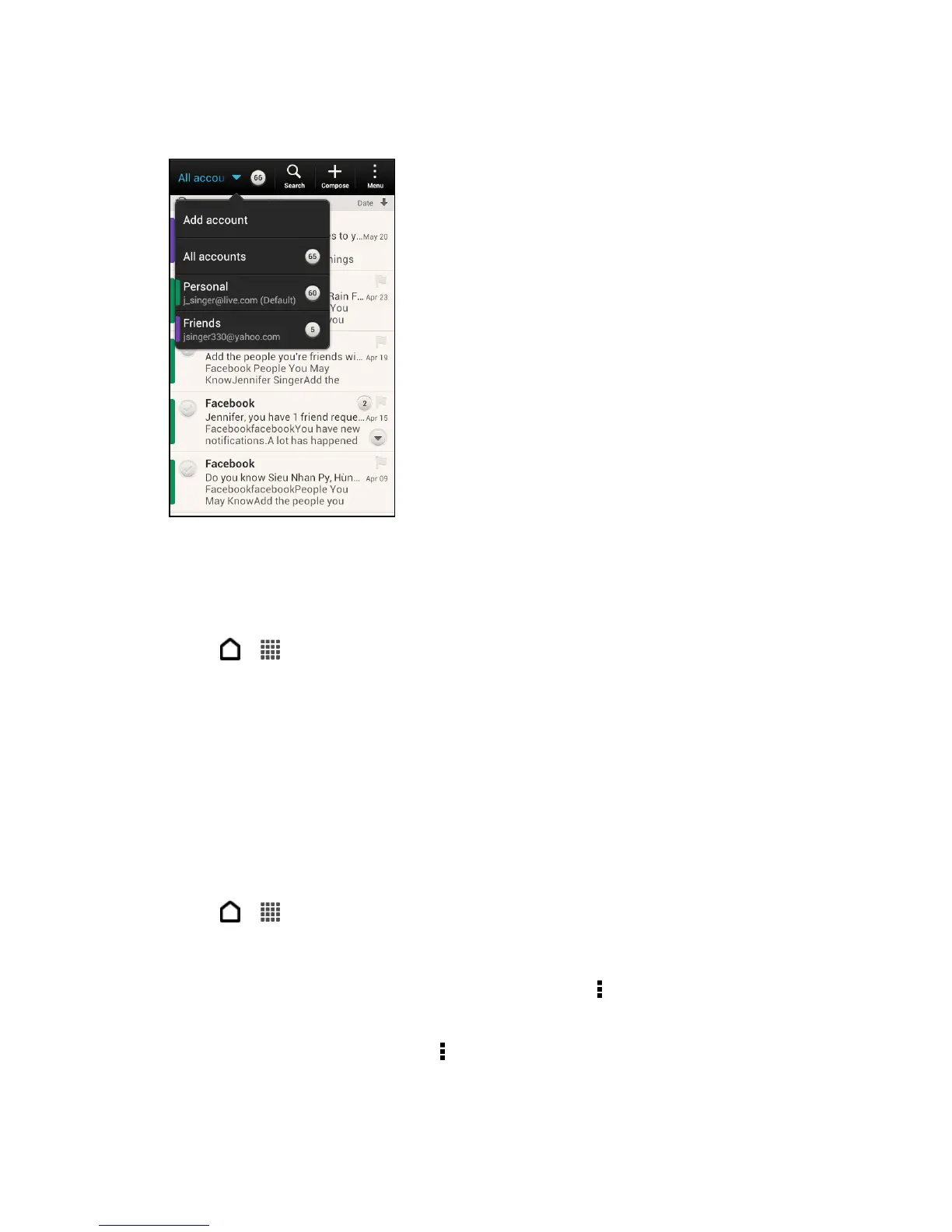
2. Touch the bar that shows the current email account, and then touch another account.
View Email Messages From All Your Email Accounts
You can view email messages from all your accounts just in one place without having to switch
to different accounts.
1. Touch > > Mail.
2. Touch the bar that shows the current email account, and then touch All accounts.
Email messages are color coded so you can easily distinguish which email accounts
they belong to.
Note: Up to 15 email accounts can be shown in the unified inbox.
Refresh an Email Account
Whatever your automatic synchronization settings are, you can also synchronize your sent and
received email messages manually at any time.
1. Touch > > Mail.
2. Do any of the following:
While in the account you want to synchronize, touch > Refresh.
If you have several email accounts, you can refresh them all at the same time. Go to
the unified inbox first and touch > Refresh.



 To Next Page