People 80
6. On your old phone, enter this passkey or simply confirm it.
7. Select the Contacts check box (and other supported types of data you want to import),
and then touch Next.
8. When your new phone finishes importing data, touch Done.
Your People List
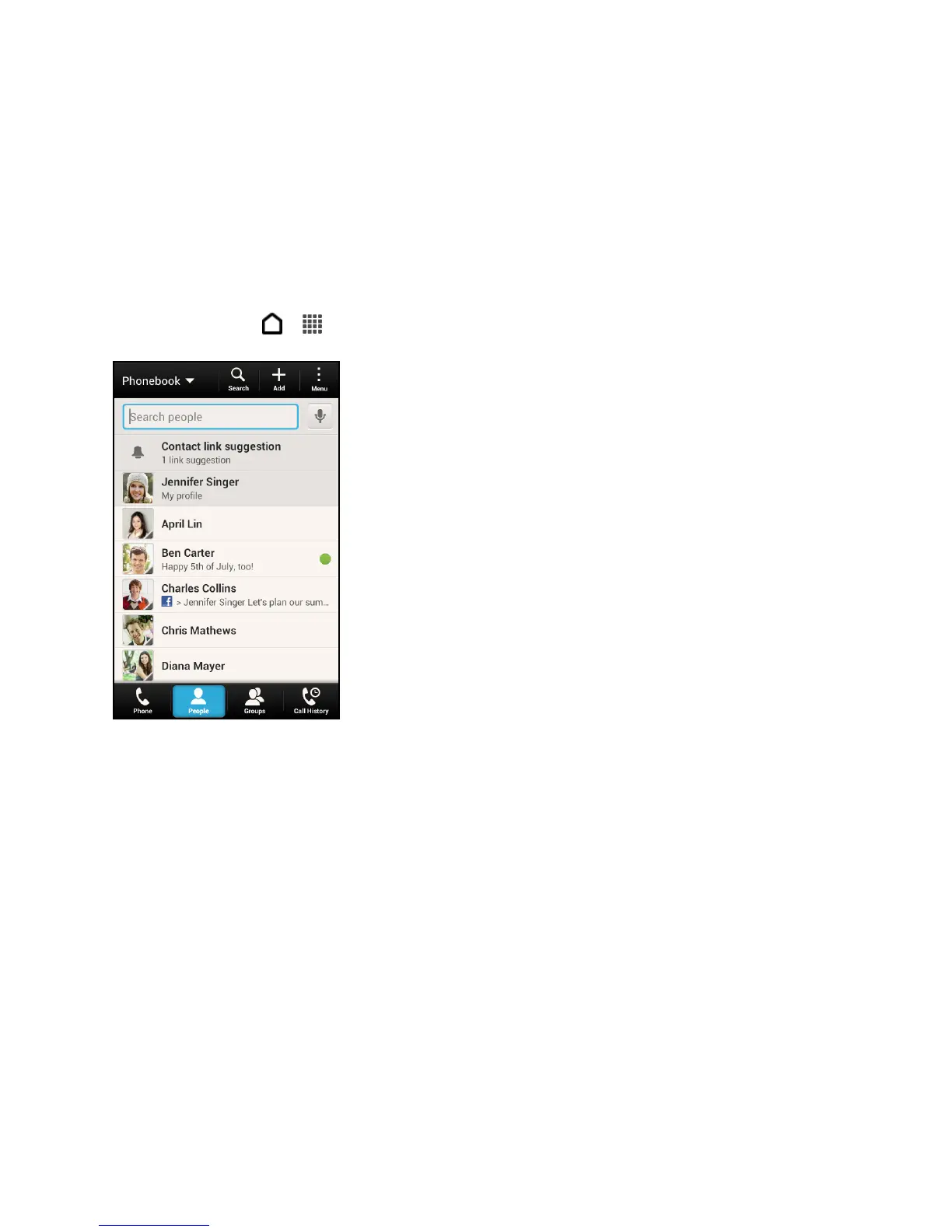
The People app lists all contacts stored on your phone and from the online accounts you’re
logged in to. Touch > > People.
You can:
● View your profile and edit your contact information.
● Create, edit, or find contacts.
● See status updates.
● Touch a name to see that contact’s stored information.
● See a notification icon when a contact has sent you new messages or when it’s the
contact’s birthday.
● Check out who’s online in Google Talk. Online status icons are displayed if you’re signed
in to Google Talk.
Filter Your People List
Choose which account contacts to show.



 To Next Page