Applications and Entertainment 132
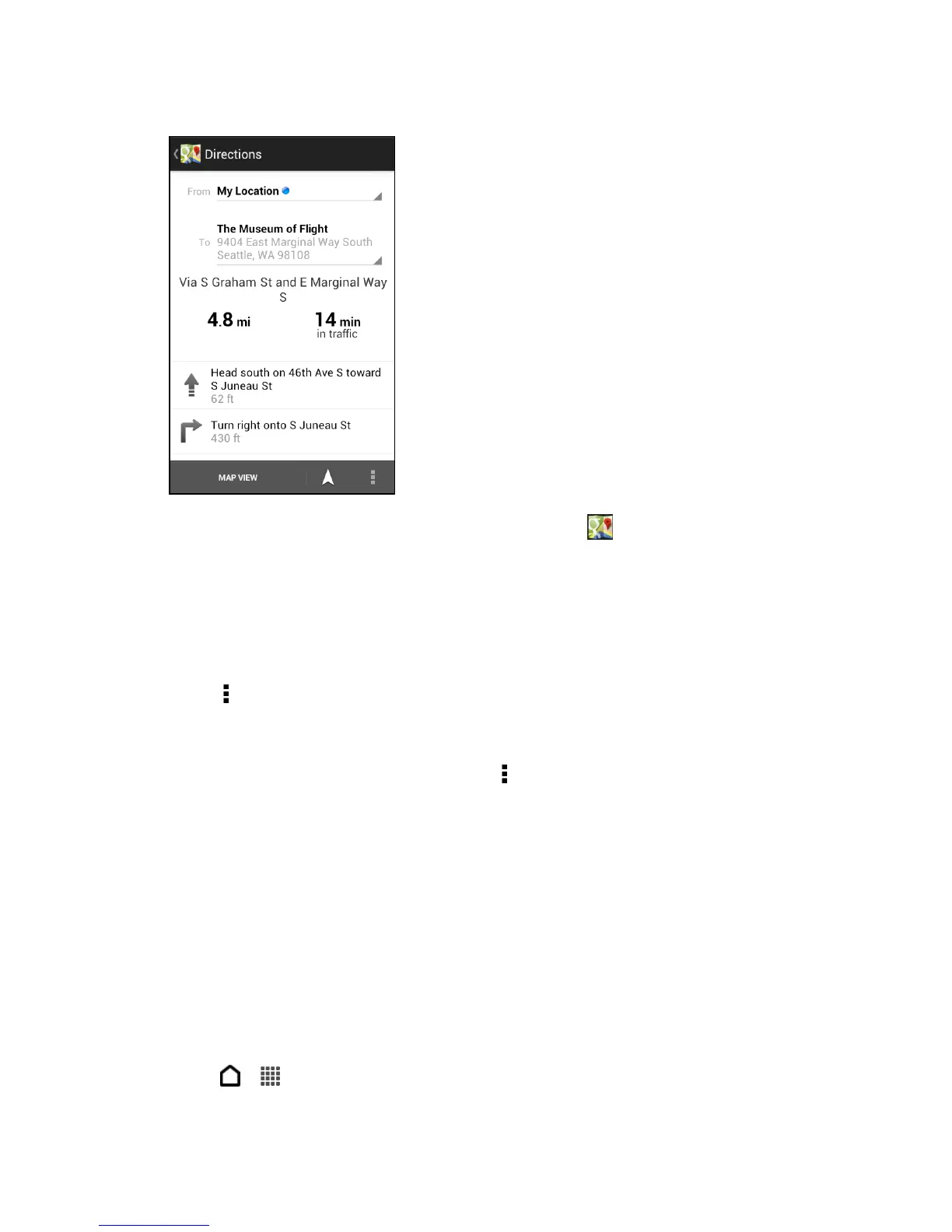
When you’re finished viewing or following the directions, touch to reset the map. Your
destination is automatically saved in the Google Maps history.
Clear the Map
After you’ve searched on a map or got directions, you can clear any markers you may have
drawn on it.
► Touch > Clear Map.
Get Help with Google Maps
Get help and more information about Maps. Touch > Help. The Web browser opens and
takes you to the Google Maps help site.
Google Latitude
Google Latitude™ user location service lets you and your friends share locations and status
messages with each other. It also lets you send text and email messages, make phone calls,
and get directions to your friends’ locations.
Your location is not shared automatically. You must join Latitude, and then invite your friends to
view your location or accept their invitations. Only friends that you have explicitly invited or
accepted can see your location.
Open and Join Latitude
1. Touch > > Maps.



 To Next Page