Phone Calls 48
Call History
Call history lists all recent incoming, outgoing, and missed calls. Call history makes redialing a
number fast and easy. It is continually updated as your phone automatically adds new numbers
to the beginning of the list.
Note: Call history records only calls that occur while the phone is turned on. If a call is received
while your phone is turned off, it will not be included in History.
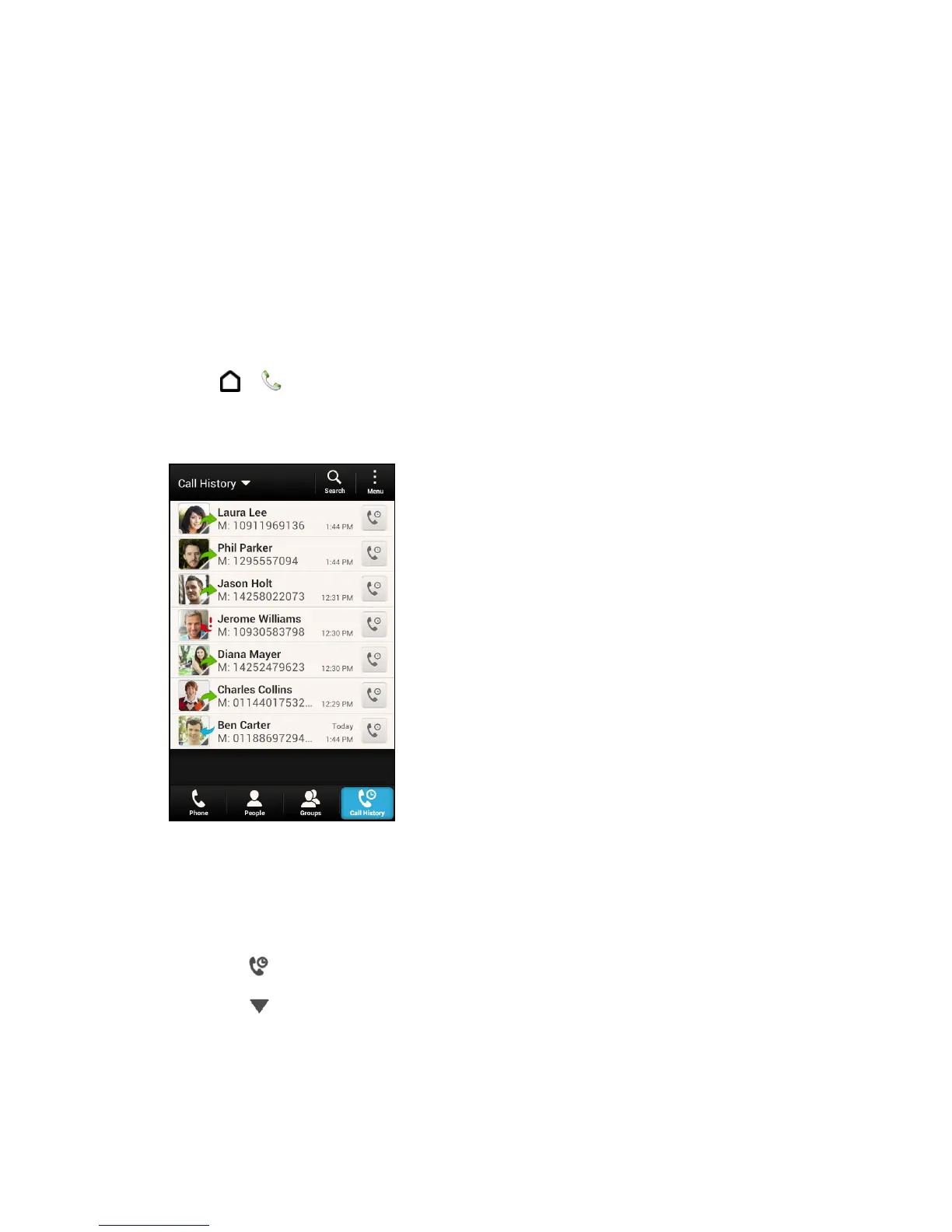
View Call History
Access your Call history to quickly call someone back or see who you have talked to recently.
1. Touch > > Call History tab.
Each entry contains the phone number (if it is available) and the contact name (if the
number is in People).
2. Do any of the following on the Call History tab:
Touch a name or number in the list to call. See Call From Call History.
Touch and hold a name or number in the list to display the options menu.
Touch to check only the Call history of a particular contact.
Touch to display only a particular type of call such as missed calls or outgoing
calls.



 To Next Page