People 86
4. Under the Linked contacts section, touch beside an account to break the link.
Contact Information and Conversations
When you touch a contact on the People tab, the Contact details screen opens.
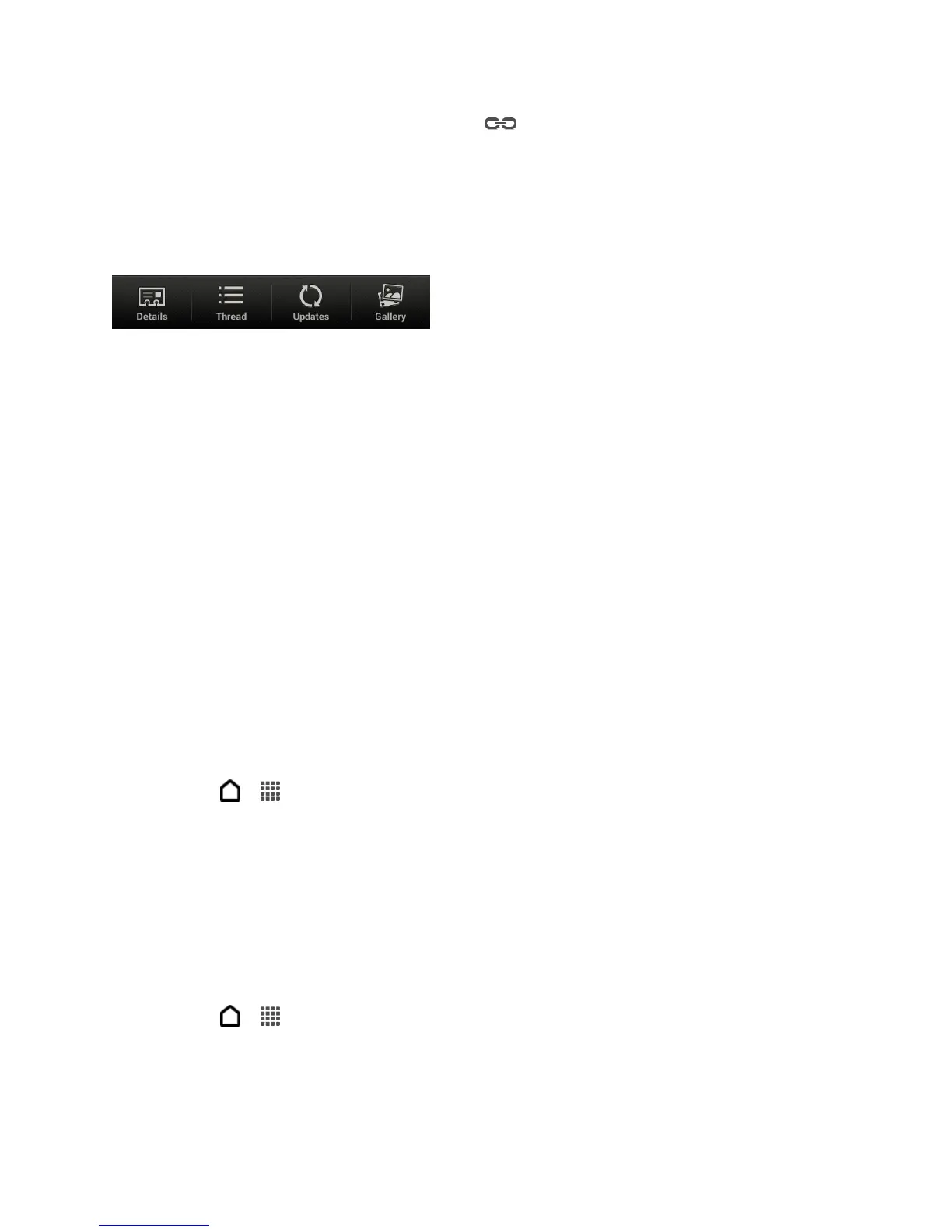
The Contact details screen has the following tabs:
● Details. Shows the information you’ve stored for the contact. Get in touch with the
contact by touching an option.
● Thread. Shows SMS messages and emails you’ve received from the contact. It also lists
all your incoming, outgoing, and missed calls to and from the contact.
● Updates. Shows the contact’s updates and events from social network accounts. If you
see a notification of the contact’s birthday under the Events section, you can touch the
notification and choose how you want to greet your contact.
● Gallery. Shows the linked contact’s albums and photos.
Manage People Entries
Make sure your contacts’ information are up to date. You can edit or delete an entry in People.
Edit a People Entry
You can add another phone number, email address, or assign a photo to a contact in People.
Note: Facebook and Twitter contacts cannot be edited.
1. Touch > > People.
2. Touch and hold the contact, and then touch Edit contact.
3. Enter the new information.
4. Touch Save.
Delete an Entry
Follow these steps to delete an entry in your contacts list.
1. Touch > > People.
2. Touch and hold the contact, and then touch Delete contact.
3. Touch OK to confirm.



 To Next Page