Phone Basics 20
Your Home Screen
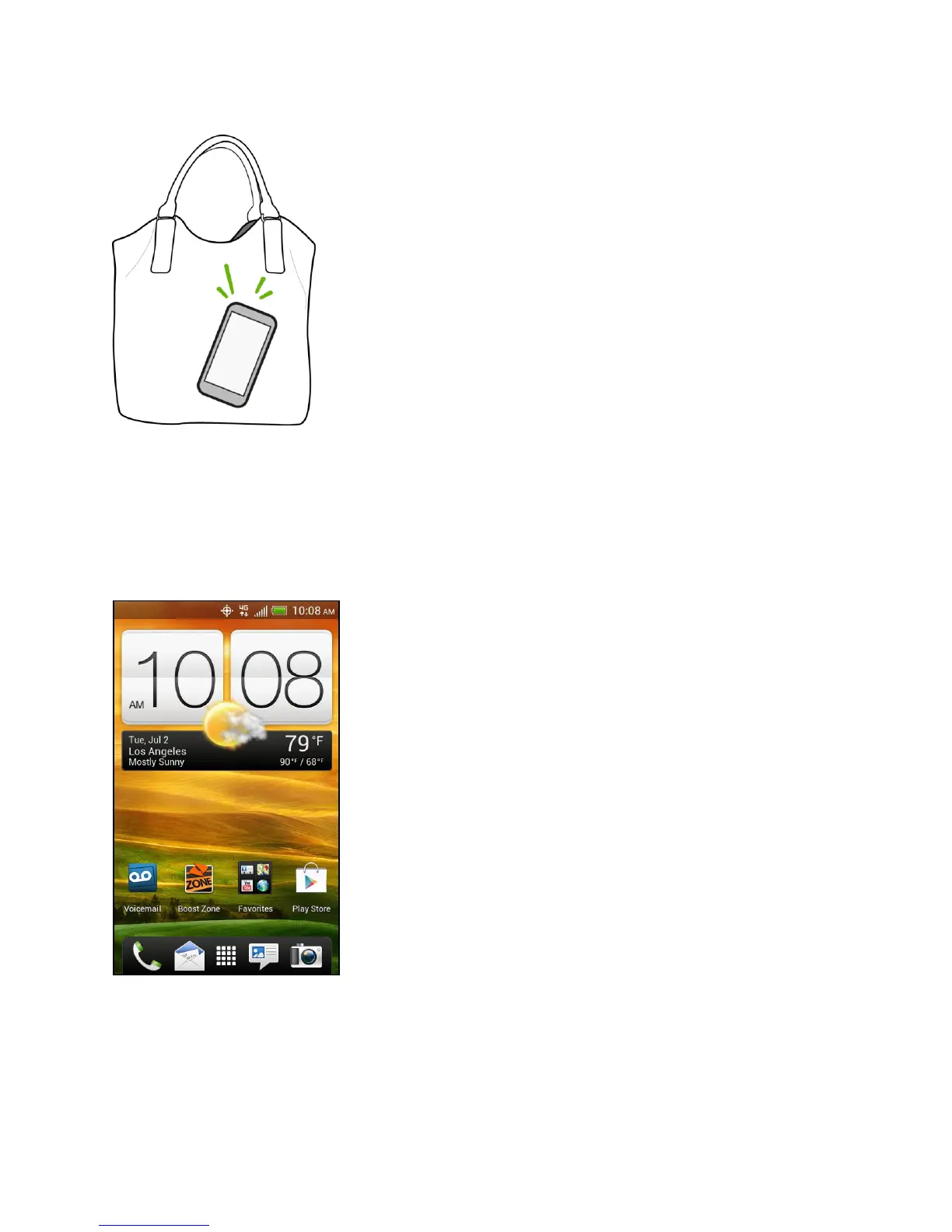
The Home screen is the starting point for your phone’s applications, functions, and menus. You
can customize your Home screen by adding application icons, shortcuts, folders, widgets, and
more. Your Home screen extends beyond the initial screen. Swipe the screen left or right to
display additional screens.
Home Screen Basics
Your phone allows you to rearrange the order of your home screens and even remove extended
screens at any time.



 To Next Page