Tools and Calendar 205
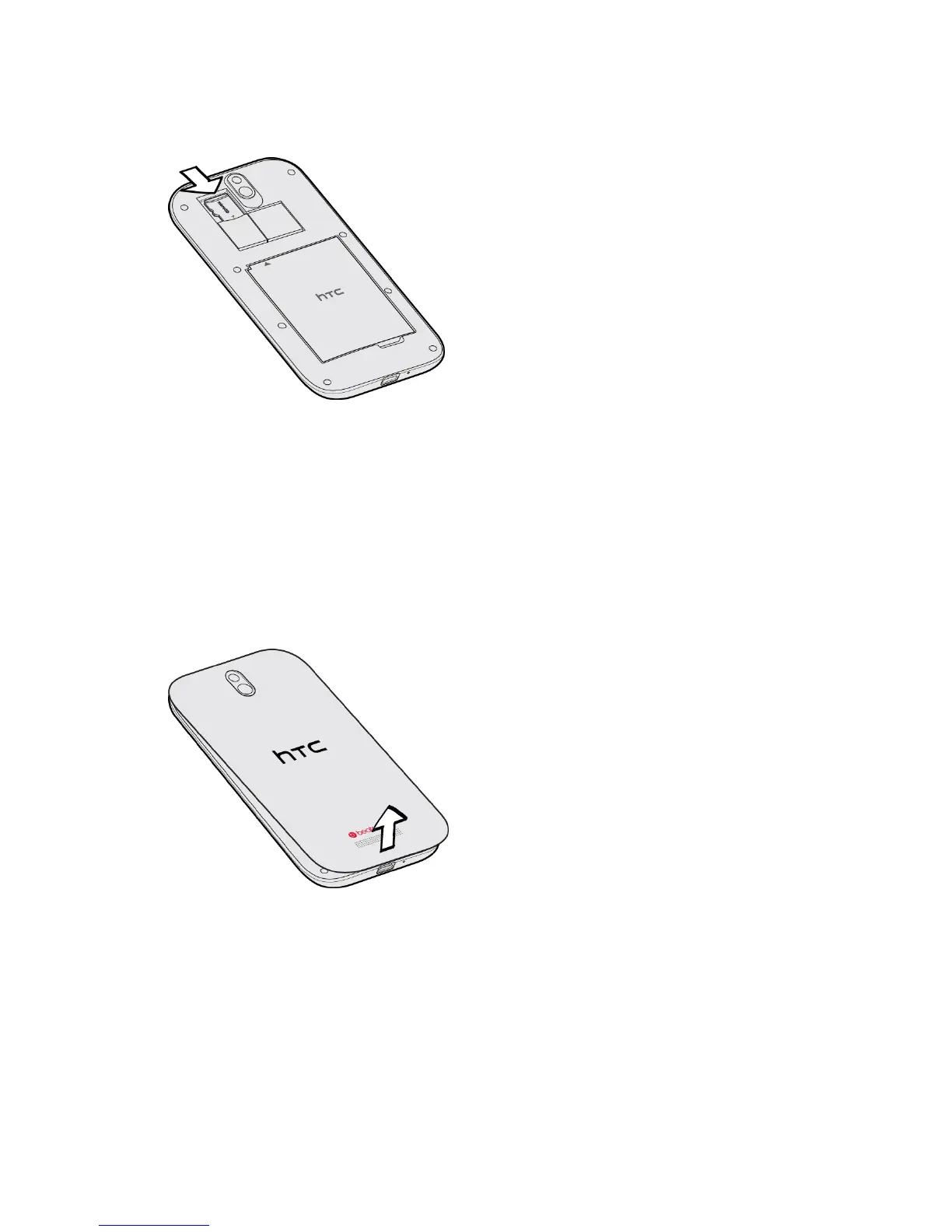
3. Insert the microSD card fully into the slot until it clicks into place.
4. Replace the back cover.
5. Turn on the phone.
Remove the microSD Card
Here are the steps for removing the microSD card.
1. Turn off the phone.
2. Remove the back cover from the notch at the bottom of the phone.
3. Gently push the microSD card all the way into the slot until you hear a click.
4. Release and let the microSD card eject from slot.



 To Next Page