Tools and Calendar 206
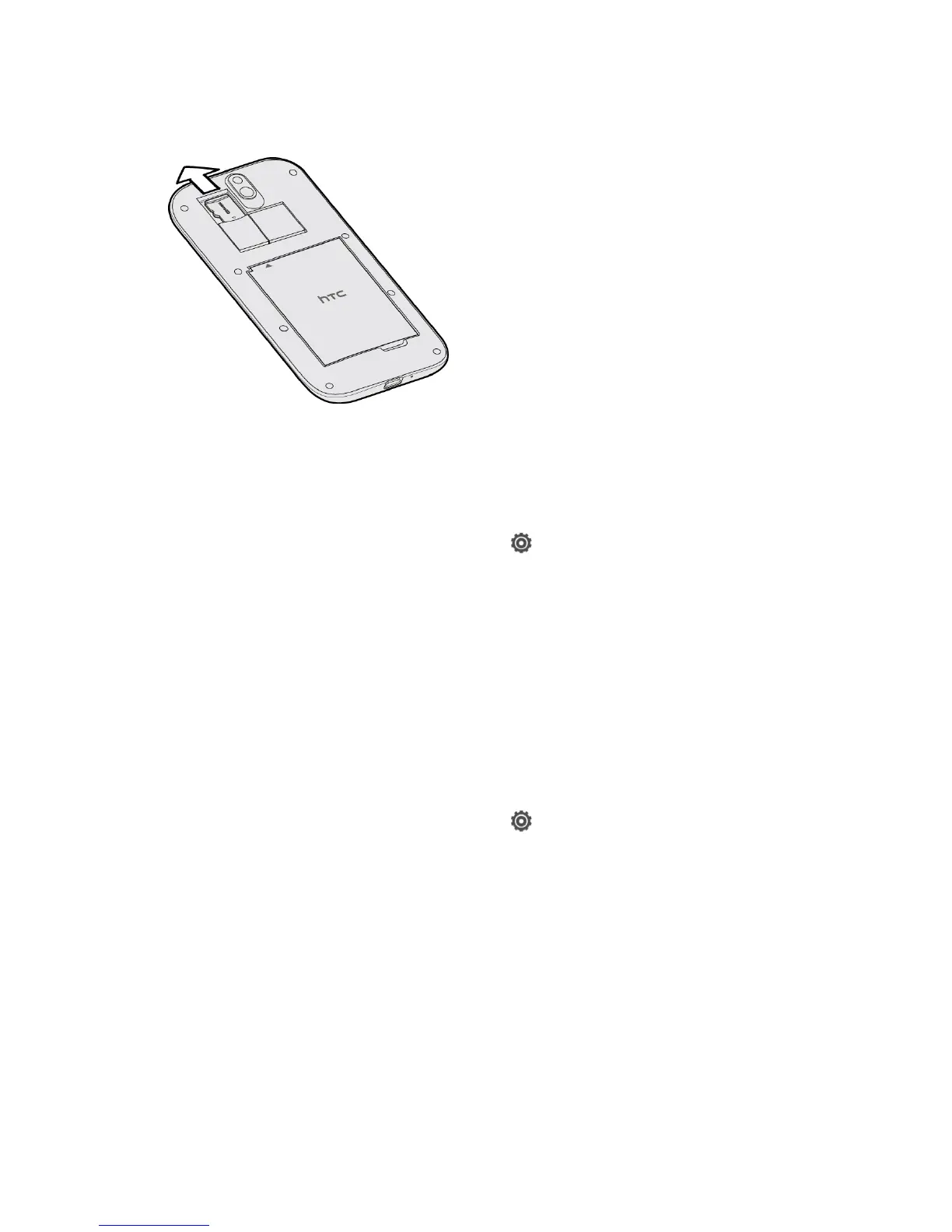
5. Pull the microSD card from the slot.
6. Replace the microSD card and the back cover.
Check the microSD Card Memory
Determine how much space you have left on your microSD card by checking its memory.
1. Open the Notifications panel, and then touch > Storage.
2. Check the total and available memory space under the SD card section.
Erase the microSD Card
Erasing the microSD card removes all files stored on it.
Note: When you erase the microSD card, the files CANNOT be retrieved. To help prevent the
loss of important data, please check the contents before you erase the card.
Erasing the SD card may not permanently erase all data from the card, including
personal information.
1. Open the Notifications panel, and then touch > Storage.
2. Under SD card, touch Unmount SD card.
3. Touch Erase SD card > Erase SD card.
Note: If you've set up a screen lock, you'll be asked to enter the screen lock before you can
proceed.
4. Touch Erase everything.
Unmount the microSD Card
When you need to remove the microSD card while the phone is on, you must first unmount the
microSD card. This prevents corrupting the data stored on it or damaging the microSD card.



 To Next Page