Web and Data 154
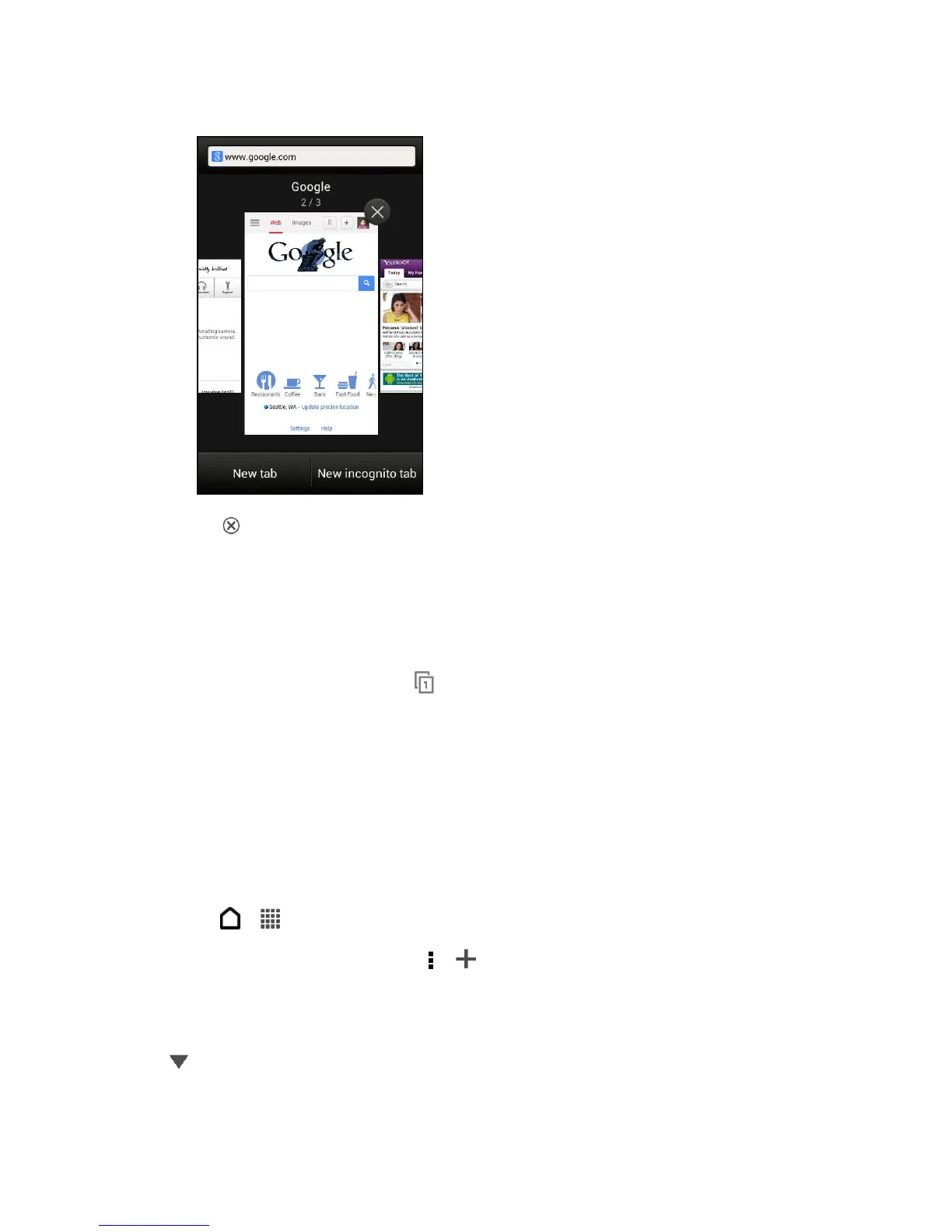
3. Touch to close a Web page.
Private Browsing
You can use incognito tabs to browse the Web with more privacy. Browser cookies are not
shared and deleted when you close all incognito tabs. Pages you view in incognito also won’t
appear in your browser history except for files you download.
1. From the browser screen, touch .
2. Touch New incognito tab.
Add and Manage Your Bookmarks
You can store as many bookmarks as you want on your phone. You can also access a
convenient list of the sites you have visited, or quickly view the pages that you access most
often.
Bookmark a Web Page
1. Touch > > Internet.
2. While viewing a Web page, touch > > Bookmarks.
3. Edit the bookmark name if needed.
Tip: To save the bookmark to a new folder, touch Bookmarks. On the Add to screen, touch
> New folder. Enter a name for the Bookmark folder, and then touch OK. Touch
Done.



 To Next Page