Applications and Entertainment 131
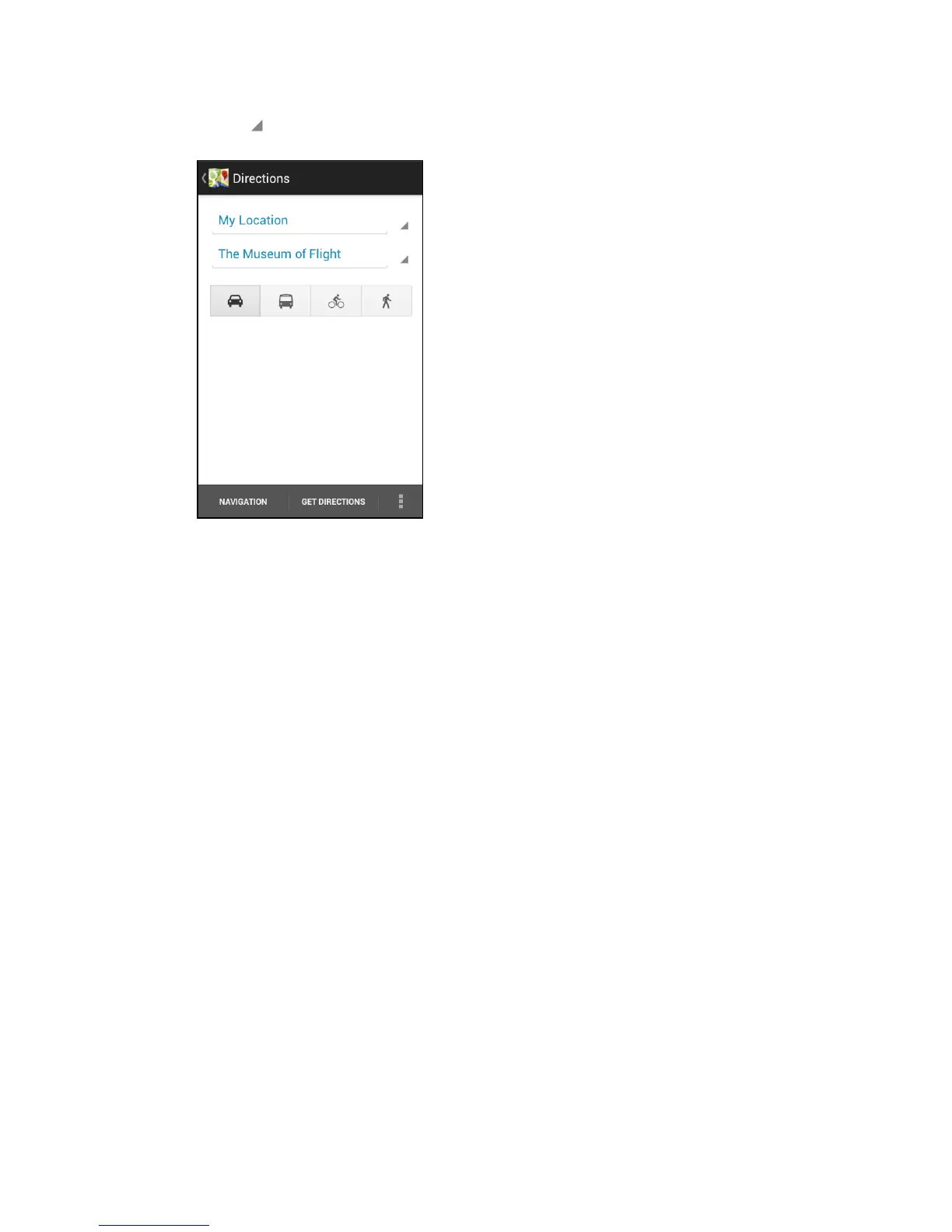
Touch to select an address from your contacts or a point that you touch on a map.
Note: If the place you’ve set as your destination has several locations available, select which
one to go to.
4. Choose how you want to get to your destination by touching the car, public transit,
bicycle, or walk button.
5. Touch Get directions.
6. Touch Directions list to view the directions. You can also touch the arrow buttons on
the map to follow the directions.



 To Next Page