Phone Basics 16
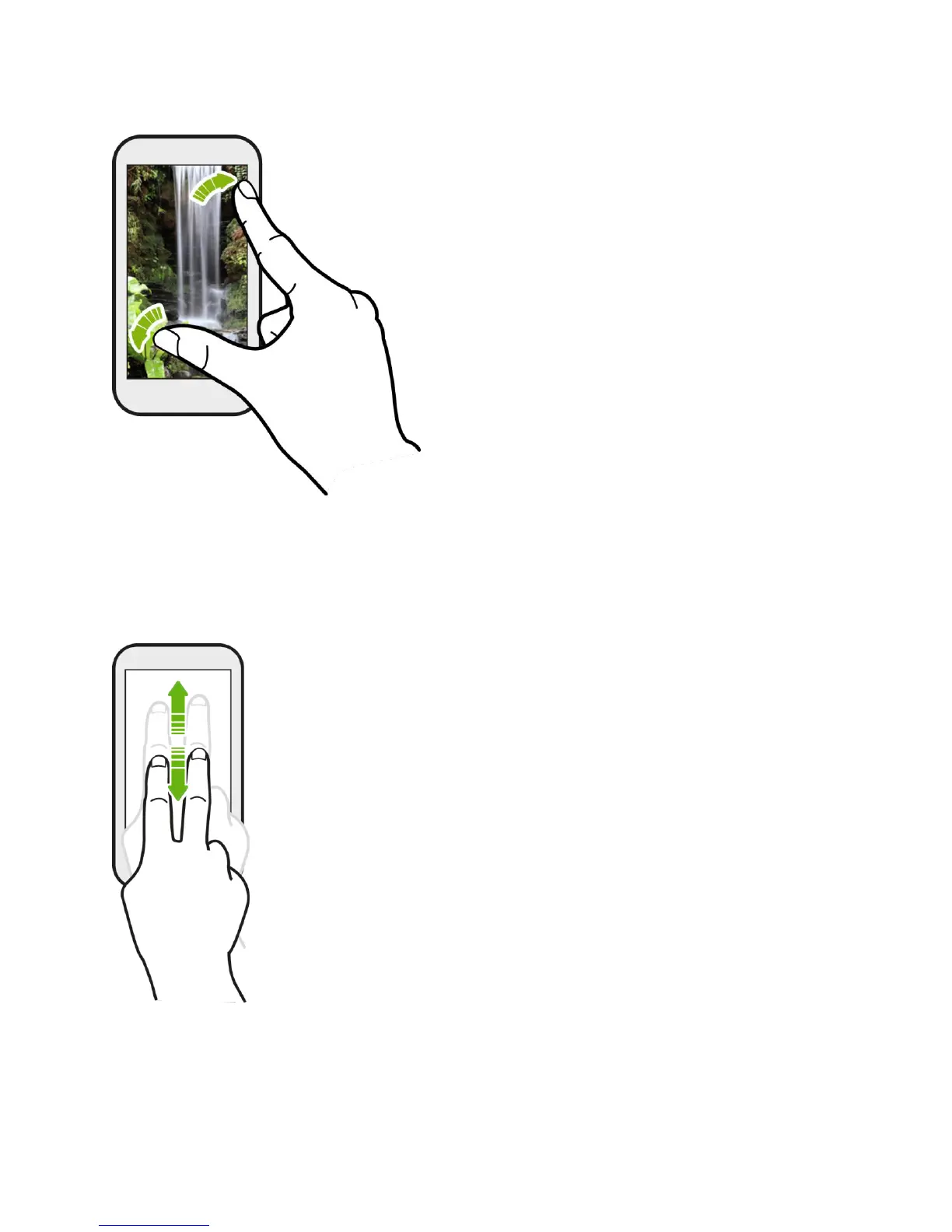
Two-finger Scrolling
In some applications that have sorting, like Mail or People, you can use two fingers to scroll the
screen. The screen displays the sorting order, and you can easily scroll to the information you
want.
Press and Flick
On the Home screen, you can easily move a widget or icon from one screen to another. Press
and hold the widget or icon with one finger, and flick the screen to the new location with another



 To Next Page