C-9
Setup of Alternative Network Configurations
032-0330-EN Rev K
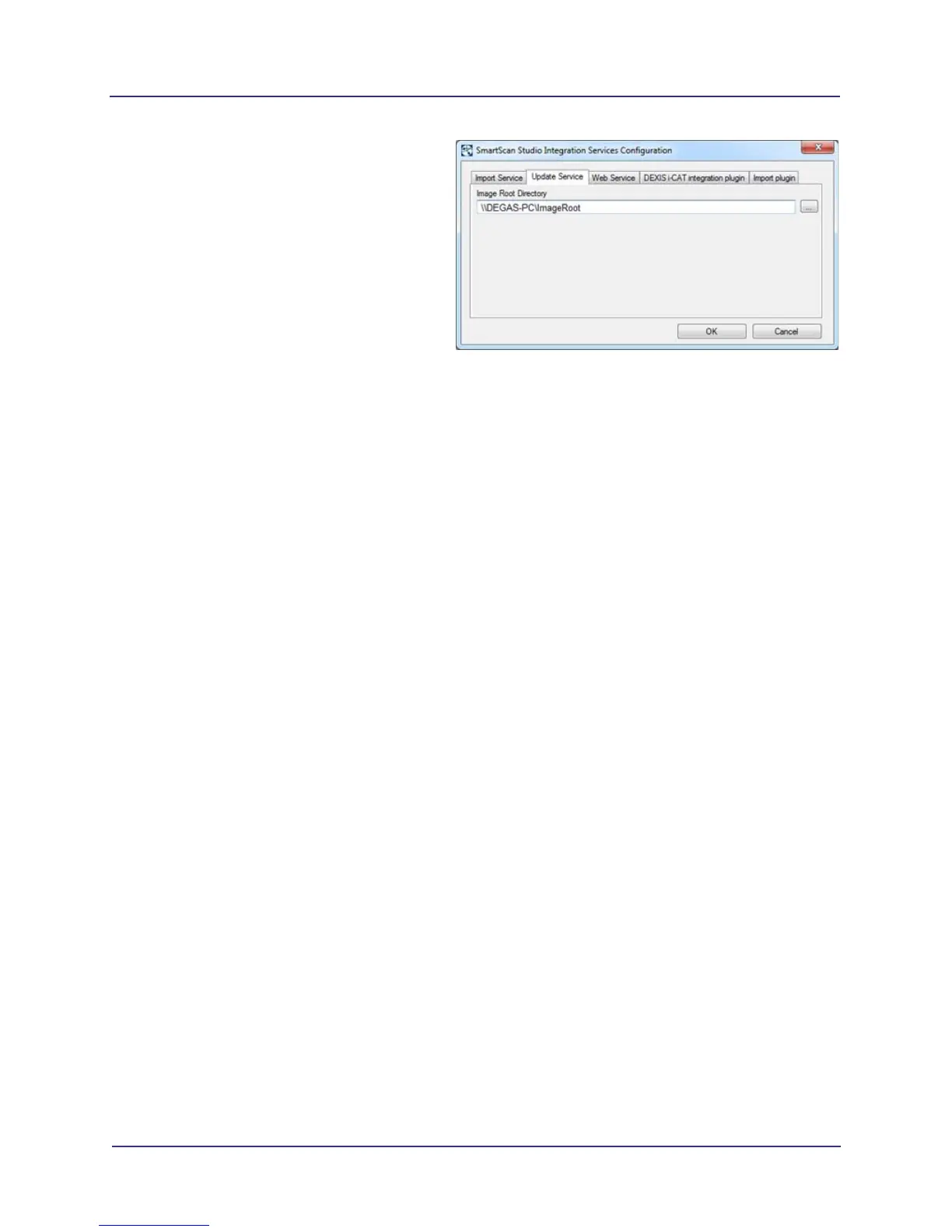
4. Update the image root to the image root
server using the SmartScan STUDIO
control panel.
a. Start Control Panel and double-click
SmartScan STUDIO Integration
Services control panel.
b. On Update Service tab, browse to the
remote Image Root directory.
NOTE: If prompted, enter credentials
for the remote Image Root computer.
c. Click OK to apply changes and restart
services.



 To Next Page