111
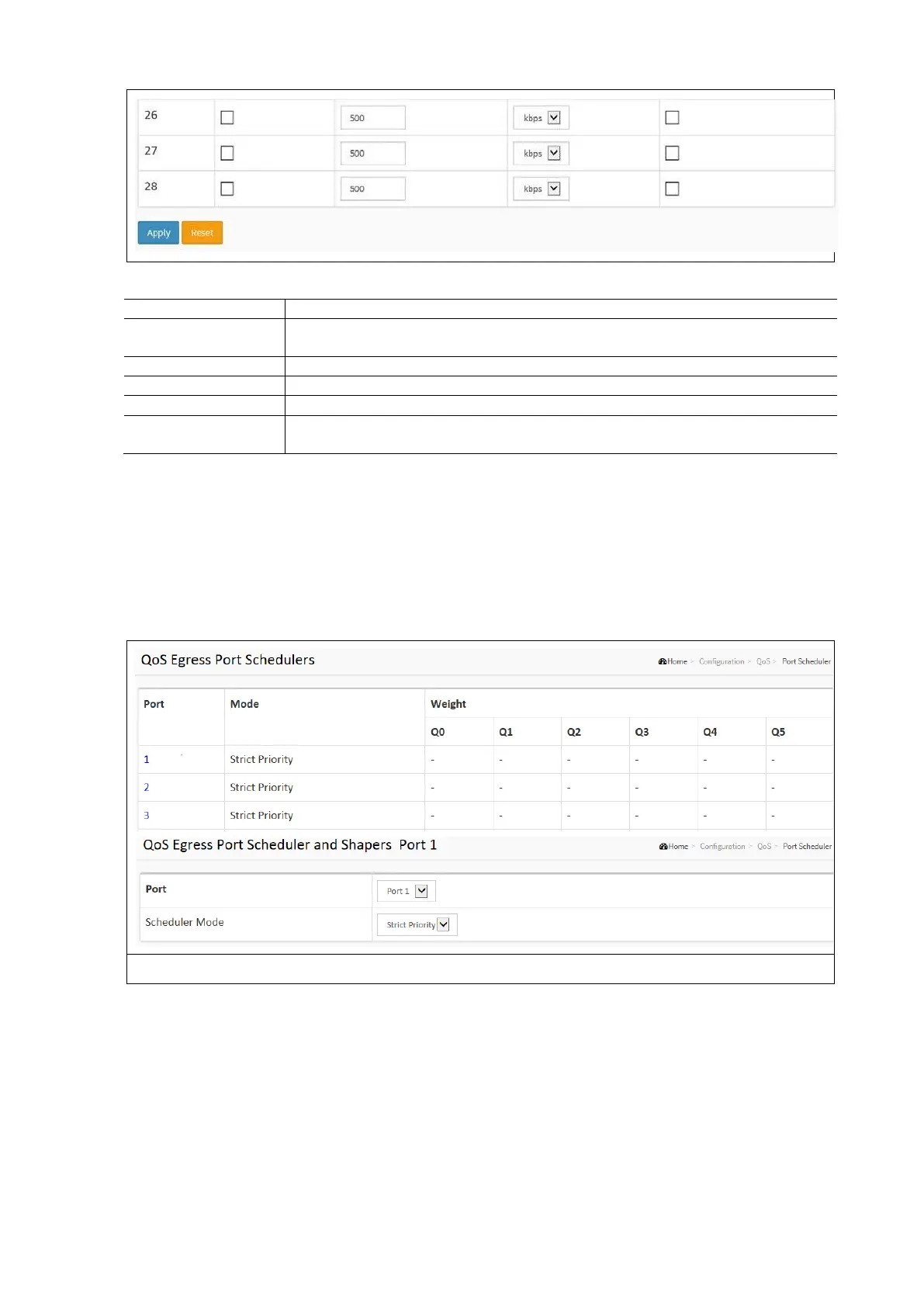
QoS Ingress Port Classification Configuration Parameters:
The logical port for the settings contained in the same row. Click on the port number in order
to configure the schedulers.
To evoke which Port needs to be enable for the QoS Ingress Port Policers function.
To set the Rate limit value for this port, the default is 500.
To scroll to select what unit of rate includes kbps, Mbps, fps and kfps. The default is kbps.
If flow control is enabled and the port is in flow control mode, then pause frames are sent
instead of discarding frames.
Qos Port Schedulers
This section provides an overview of QoS Egress Port Schedulers for all switch ports. The ports belong to the currently
selected stack unit, as reflected by the page header.
To configure the QoS Port Schedulers in the web interface:
Click Configuration / QoS / Port Schedulers
Configure the Schedulers as desired
Click Apply and click the Save icon in the upper right corner to save the settings or click Reset or Cancel to return
to previously saved settings.
NOTE: Click the Port index to set the QoS Egress Port Schedulers.



 To Next Page