152
User IP address of the entry.
Auto-refresh: Check this box to refresh the page automatically. It will do so every 3 seconds.
Refresh: Click to refresh the page.
<<: Updates the system log entries to the first available entry ID.
>: Updates the system log entry to the next available entry ID.
IP Source Guard
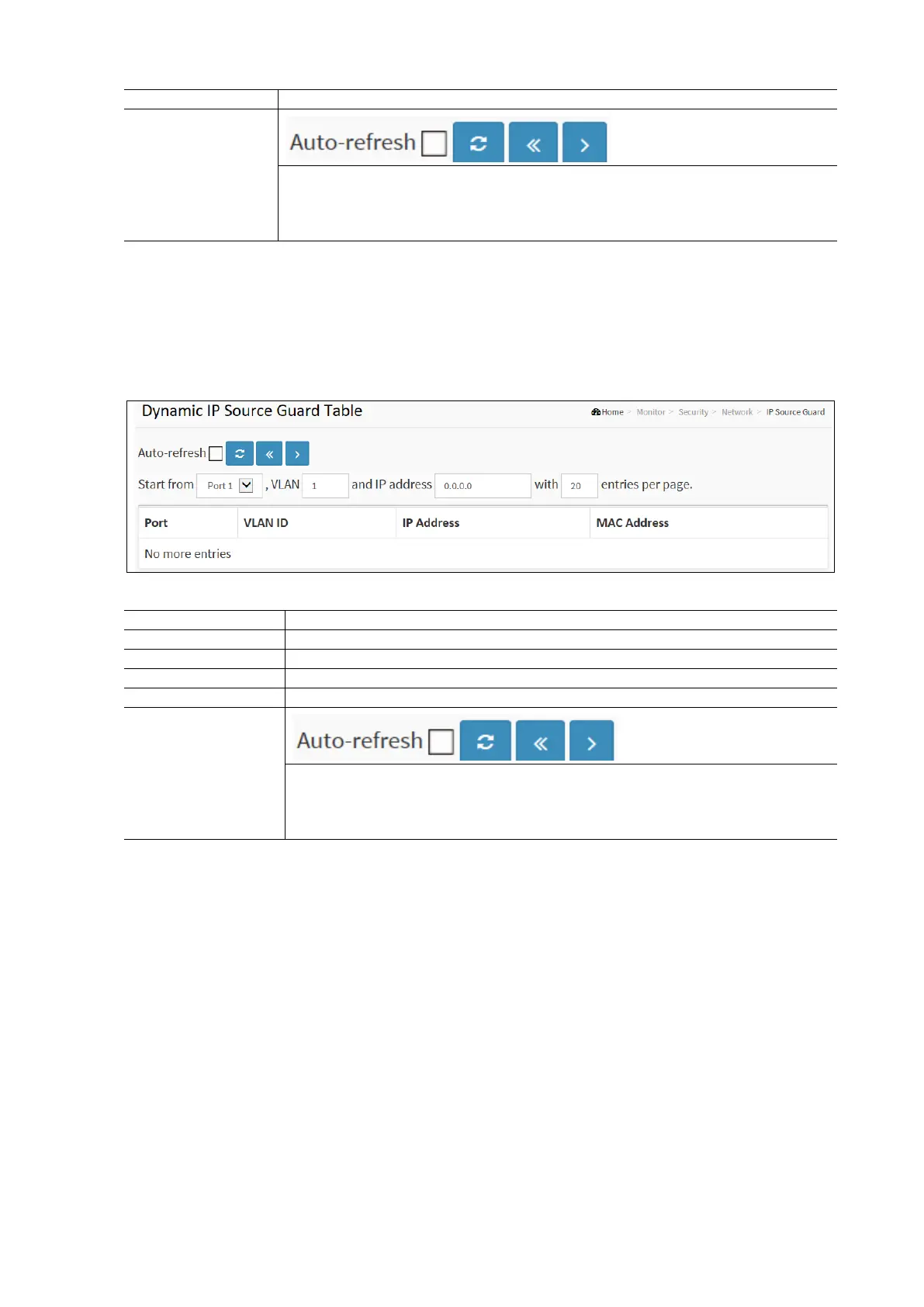
Entries in the Dynamic IP Source Guard Table are shown on this page. The Dynamic IP Source Guard Table is sorted first by
port, then by VLAN ID, then by IP address, and then by MAC address.
To display the Dynamic IP Source Guard Table in the web interface:
Click Monitor / Security / Network / IP Source Guard
Specify the Start from port, VLAN ID, IP Address, and entries per page.
Check the Auto-Refresh check box to have the page automatically refresh every 3 seconds.
Dynamic IP Source Guard Table Parameters:
Switch Port Number for which the entries are displayed.
VLAN-ID in which the IP traffic is permitted.
User IP Address of the entry.
Auto-refresh: Check this box to refresh the page automatically. It will do so every 3 seconds.
Refresh: Click to refresh the page.
<<: Updates the system log entries to the first available entry ID.
>: Updates the system log entry to the next available entry ID.
AAA RADIUS Overview
This page displays an overview of the status of the RADIUS Authentication and Accounting servers to ensure the function is
workable.
To display the AAA RADIUS Overview Configuration in the web interface:
Click Monitor / Security / AAA / Radius Overview
Check the Auto-Refresh check box to have the page automatically refresh every 3 seconds.



 To Next Page