135
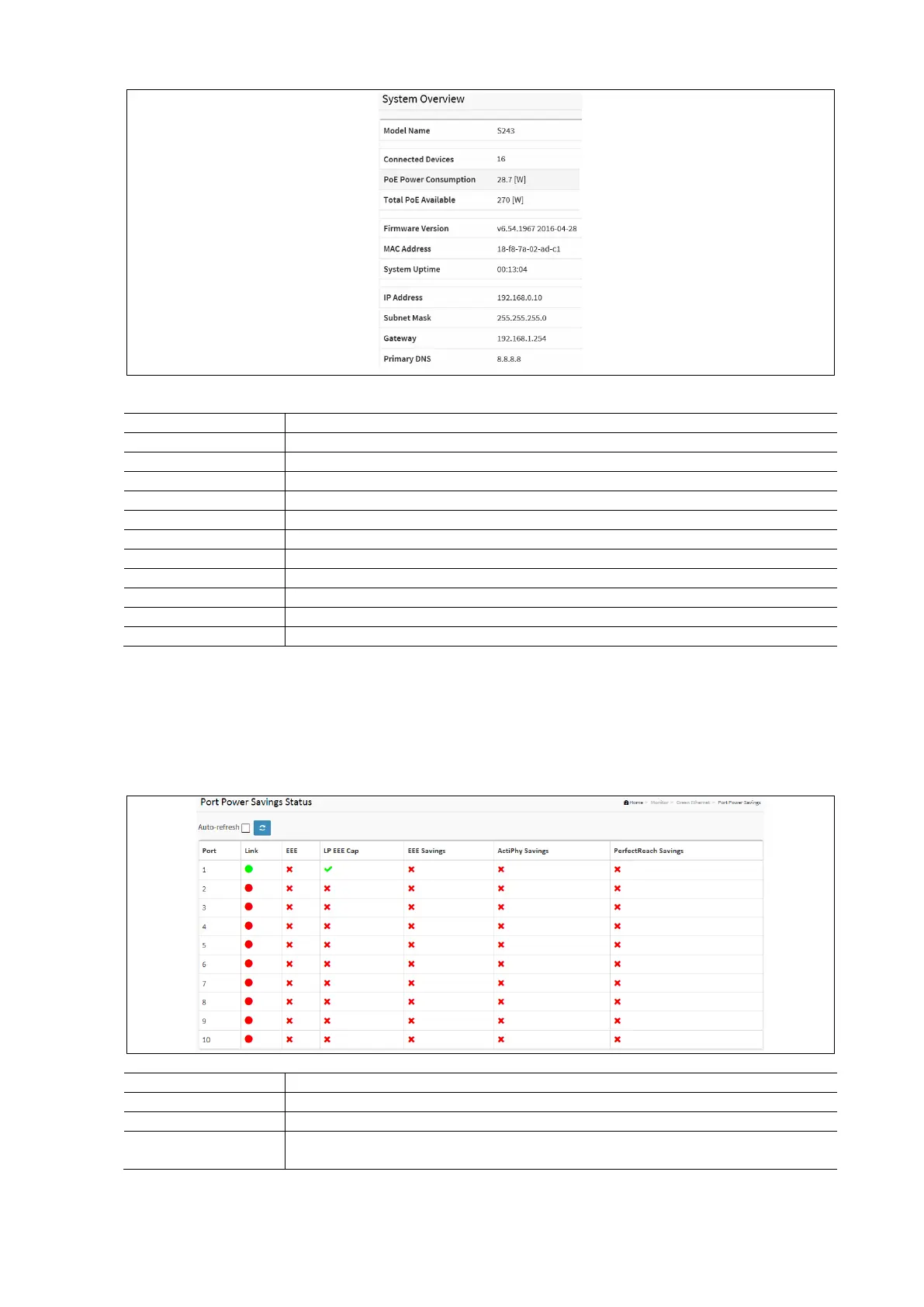
System Overview Parameters:
Displays the model name of the switch (S243)
Displays how many devices are connected to the switch.
How much PoE power is being consumed.
The total amount of available PoE power.
Displays the current firmware version
Displays the machine’s MAC address
Displays how long the machine has been powered on.
Displays the IP address of the switch.
Displays the Subnet Mask of the Switch
Displays the Gateway of the Switch
Displays the Primary DNS of the Switch.
Green Ethernet
Port Power Savings
This page provides the current status for EEE.
To display the Power Saving in the web interface:
• Click Monitor / Green Ethernet / Port Power Savings
• Displays the Port Power Savings Status
• Click the Auto Refresh to auto refresh the page. It will do so every 3 seconds.
Green Ethernet Port Power Saving Parameters:
This is the logical port number for this row.
Displays the link is up for the port (Green = Link up, red = Link down.)
Displays if EEE is enabled for the port (reflects the settings at the Port Power Savings
configuration page)



 To Next Page