77
IPMC Profile Configuration Parameters:
Enable / Disable the Global IPMC Profile. The System starts filtering based on profile settings
only when the global profile mode is enabled.
Check to delete the entry. The designated entry will be deleted during the next save.
The name used for indexing the profile table. Each entry has the unique name which is
composed of a maximum of 16 alphanumeric characters. At least one letter must be present.
Additional description, which is composed of a maximum of 64 alphanumeric characters,
about the profile. No blank or space characters are permitted as part of description. Use "_"
or "-" to separate the description sentence.
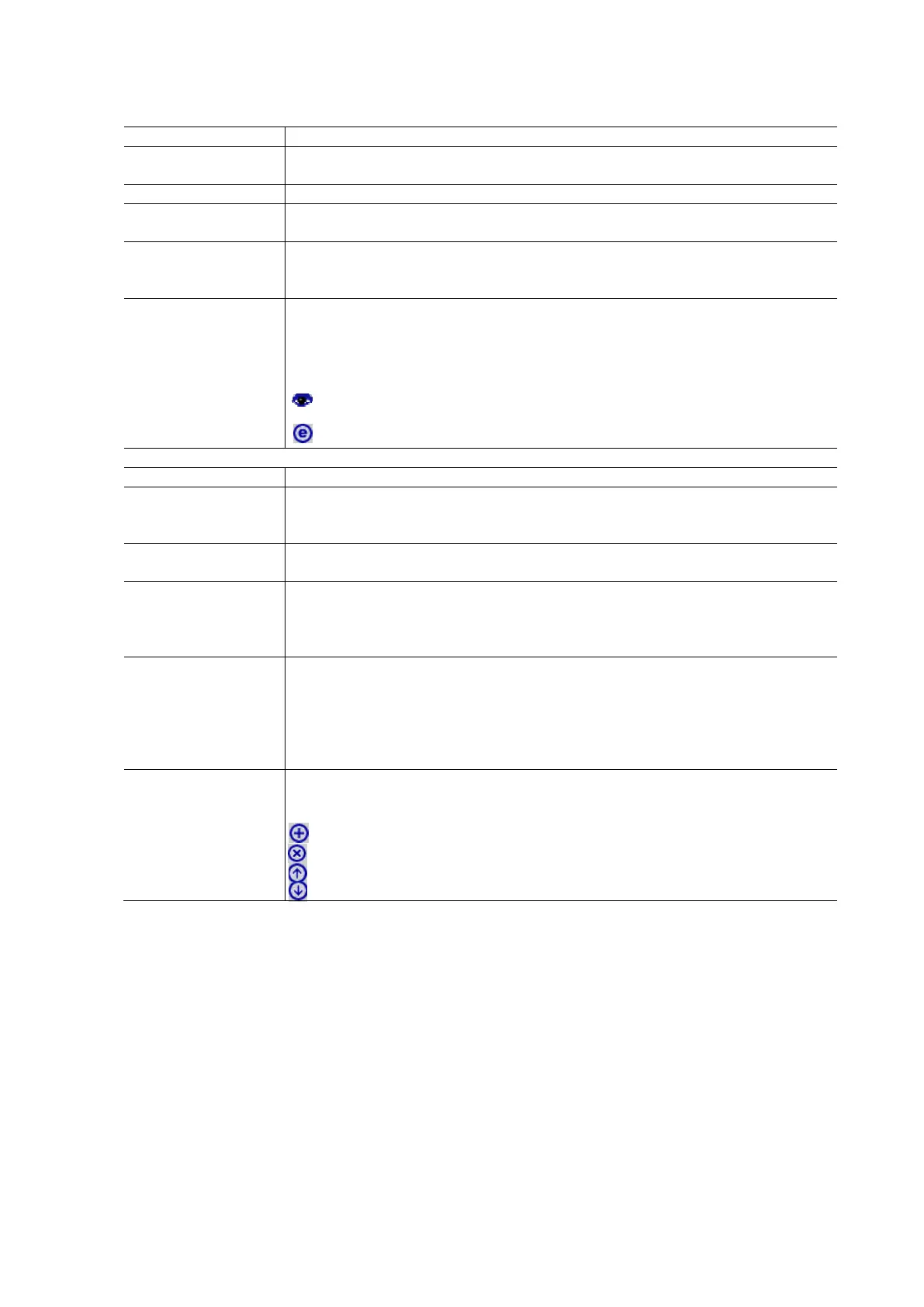
When the profile is created, click the edit button to enter the rule setting page of the
designated profile. A summary about the designated profile will be shown by clicking the
view button. You can manage or inspect the rules of the designated profile by using the
following buttons:
List the rules associated with the designated profile.
Adjust the rules associated with the designated profile.
IPMC Profile Rule Settings Table
The name of the designated profile to be associated. This field is not editable.
The name used in specifying the address range used for this rule. Only the existinf profile
address entries will be chosen in the selected box. This field is not allowed to be selected
as none (“-“) while the Rule Settins Table is committed.
The corresponding address range of the selected rofile entry. This field is not editable and
will be adjusted automatically according to the selected profile entry.
Indicates the learning action upon receiving the Join/Report frame that has the group
address that matches the address range of the rule.
Permit: Group addresses that match the range specified in the rule will be learned.
Deny: Group addresses that match the range specified in the rule will be dropped.
Indicates the logging preference upon receiving the Join/Report frame that has the group
address matches the address range of the rule.
Enable: Corresponding information of the group address, that matches the range specified in
the rule, will be logged.
Disable: Corresponding information of the group address, that matches the range specified in
the rule, will not be logged.
You can manage rules and the corresponding precedence order by using the following
buttons.
Insert a new rule before the current entry of rule.
Delete the current entry of the rule.
Moves the current entry of rule up in the list.
Moves the current entry of rule down in the list.
IPMC Address Entry
This page provides address ranged settings used in IPMC profile. The address entry is used to specify the address range
that will be associated with IPMC Profile. 128 address entries may be created in the system.
To configure the IPMC Address Entry in the web interface:
Click Configuration / IPMC Profile / Address Entry
Select the number of Address entries to be displayed per page.
Enter Start Address and End Address values and click Apply to save the change in address.
Click Add New Address (range) Entry to create a new entry.
Enter Entry Name, Start Address and End Address in the fields provided.
Click Apply and click the Save icon in the upper right corner to add the new entry or Reset to cancel it.



 To Next Page