115
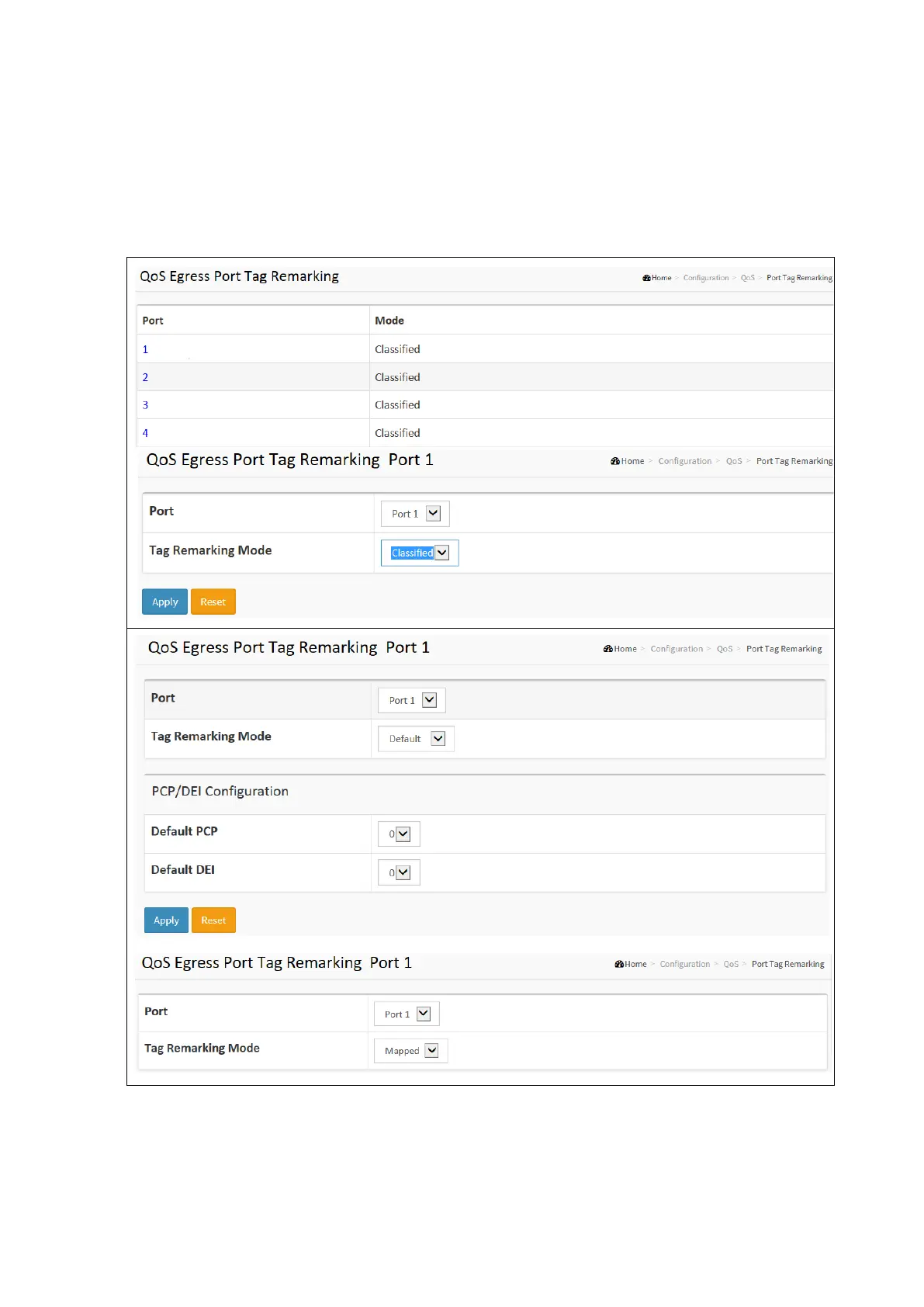
QoS Port Tag Remarking
This section provides an overview of QoS Egress Port Tag Remarking for all switch ports. The ports belong to the currently
selected stack unit, as reflected by the page header.
To configure the QoS Port Tag Remarking in the web interface:
Click Configuration / QoS / Port Tag Remarking
Click the Port Index number to set the QoS Port Tag Remarking.
Click Apply and click the Save icon in the upper right corner to save the settings or click Reset to cancel. The
Form will return to the previously saved settings.



 To Next Page