44
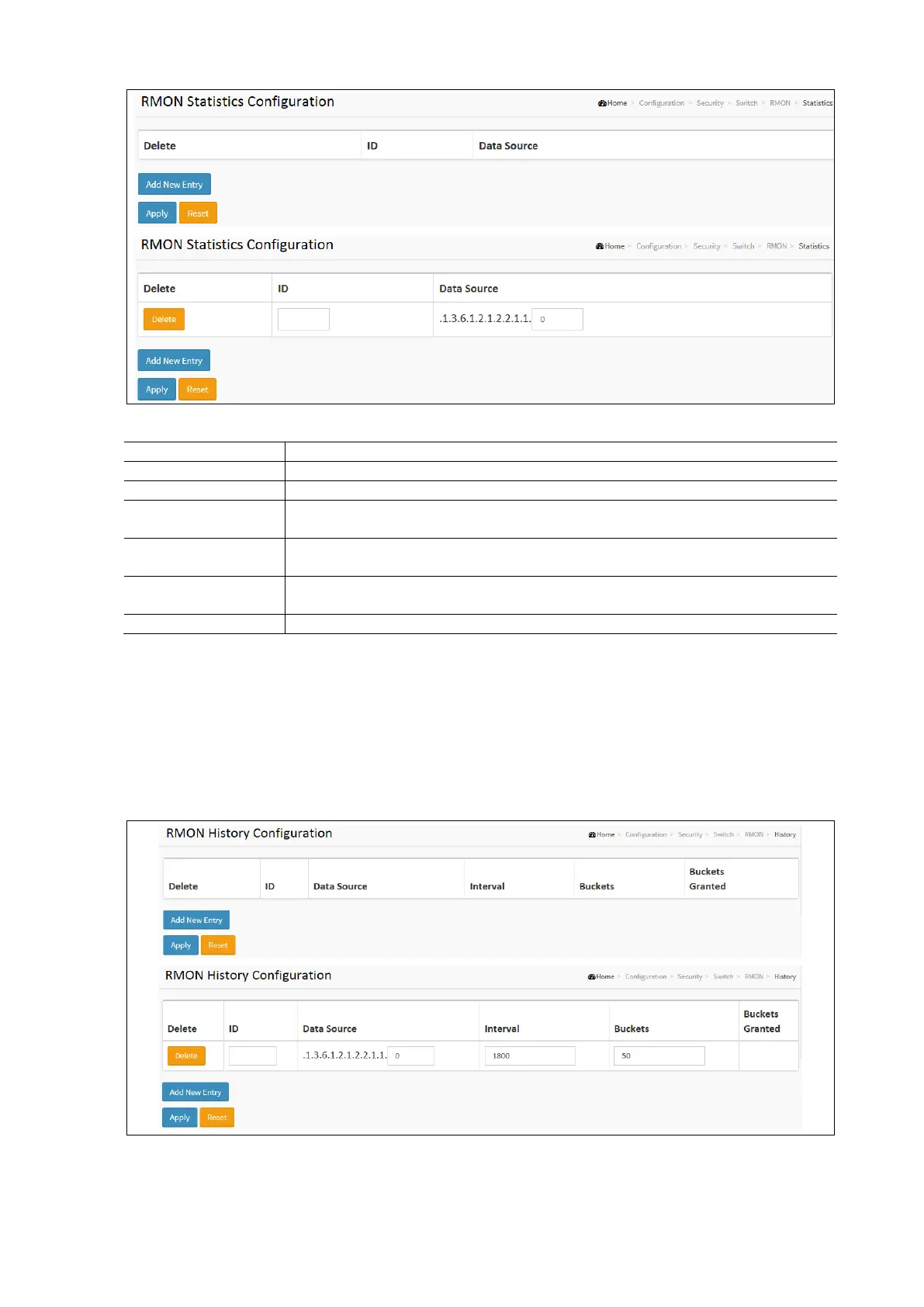
RMON Statistics Configuration Parameters:
Click to delete the entry. It will be deleted during the next save.
Indicates the index of the entry. The range is from 1 to 65535.
Indicates the port ID which wants to be monitored. If in a stacking switch, the value must add
1000*(switch ID-1), for example, if the port is switch 3 port 5, the value is 2005.
Indicates the interval in seconds for sampling the history statistics data. The range is from 1 to
3600, default value is 1800 seconds.
Indicates the maximum data entries associated this History control entry stored in RMON. The
range is from 1 to 3600, default value is 50.
The number of data shall be saved in the RMON.
RMON History
Configure RMON History table on this page. The entry index key is ID.
To display the RMON History Configuration in the web interface:
Click Configuration / Security / Switch / RMON / History.
Click Add new Entry.
Specify the ID parameters.
Click Apply and click the Save icon in the upper right cornerto save the settings or click Reset to cancel. The Form
will return to the previously saved settings.



 To Next Page