63
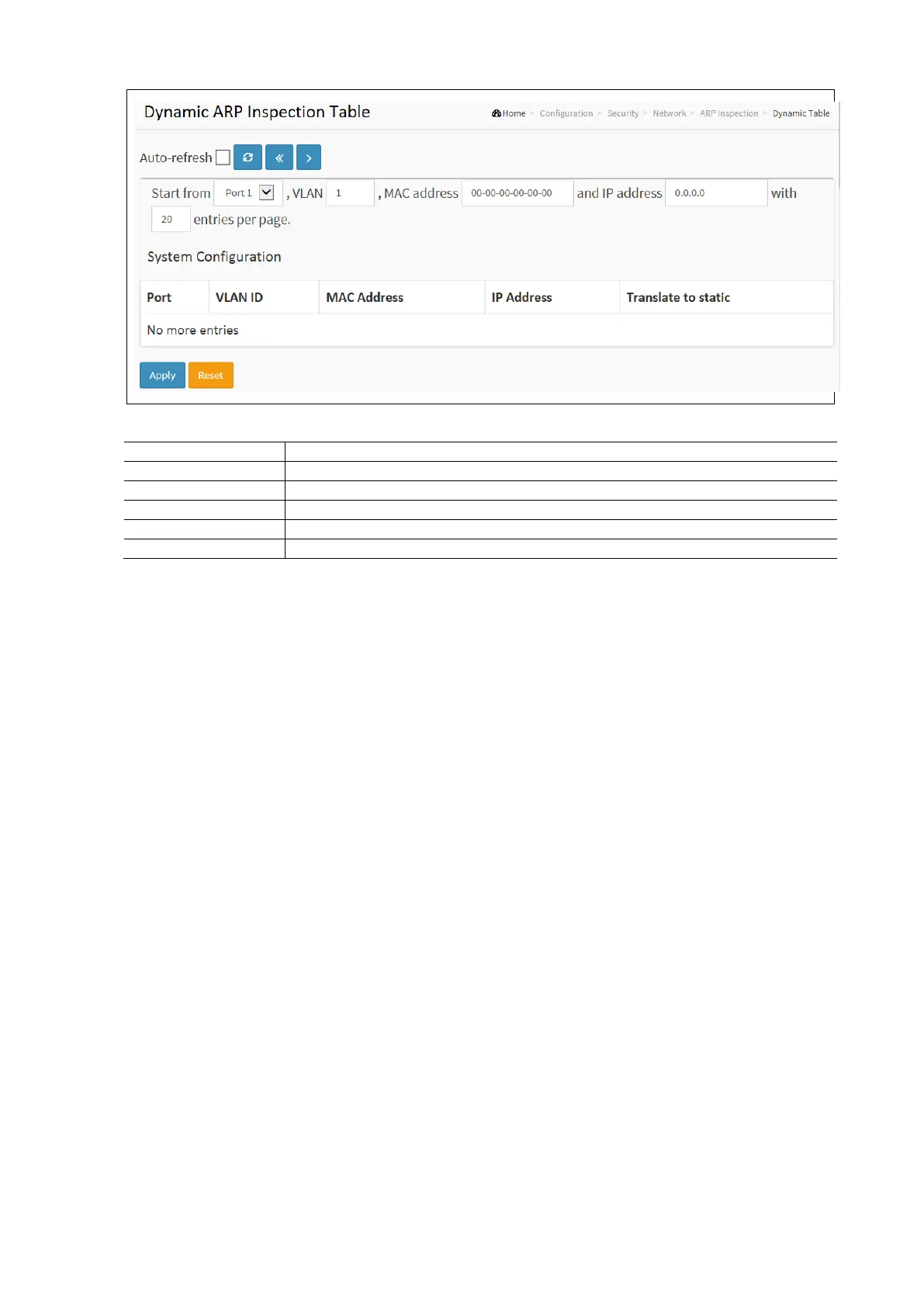
Dynamic ARP Inspection Table Configuration Parameters:
Switch Port Number for which the entries are displayed.
VLAN-ID in which the ARP traffic is permitted.
User MAC address of the entry.
User IP address of the entry.
Select the checkbox to translate the entry to a static entry.
Authentication, Authorization, and Accounting (AAA)
This section describes how to use an AAA (Authentication, Authorization, and Accounting) server to provide access control
to your network. The AAA server can be a TACACS+ or RADIUS server to create and manage objects that contain settings
for using AAA servers.
RADIUS
To configure a common AAA, Radius in the web interface:
• Click Configuration / Security / AAA / Radius
• Enter the desired Global Configuration parameters
• Click Add New Server to Create a new server configuration
• Enter the HostName, Auth Port, Acct Port, Timeout, Retransmit, and Key
• Click Apply and click the Save icon in the upper right corner to save the settings or click Reset to cancel. The
Form will return to the previously saved settings.



 To Next Page