84
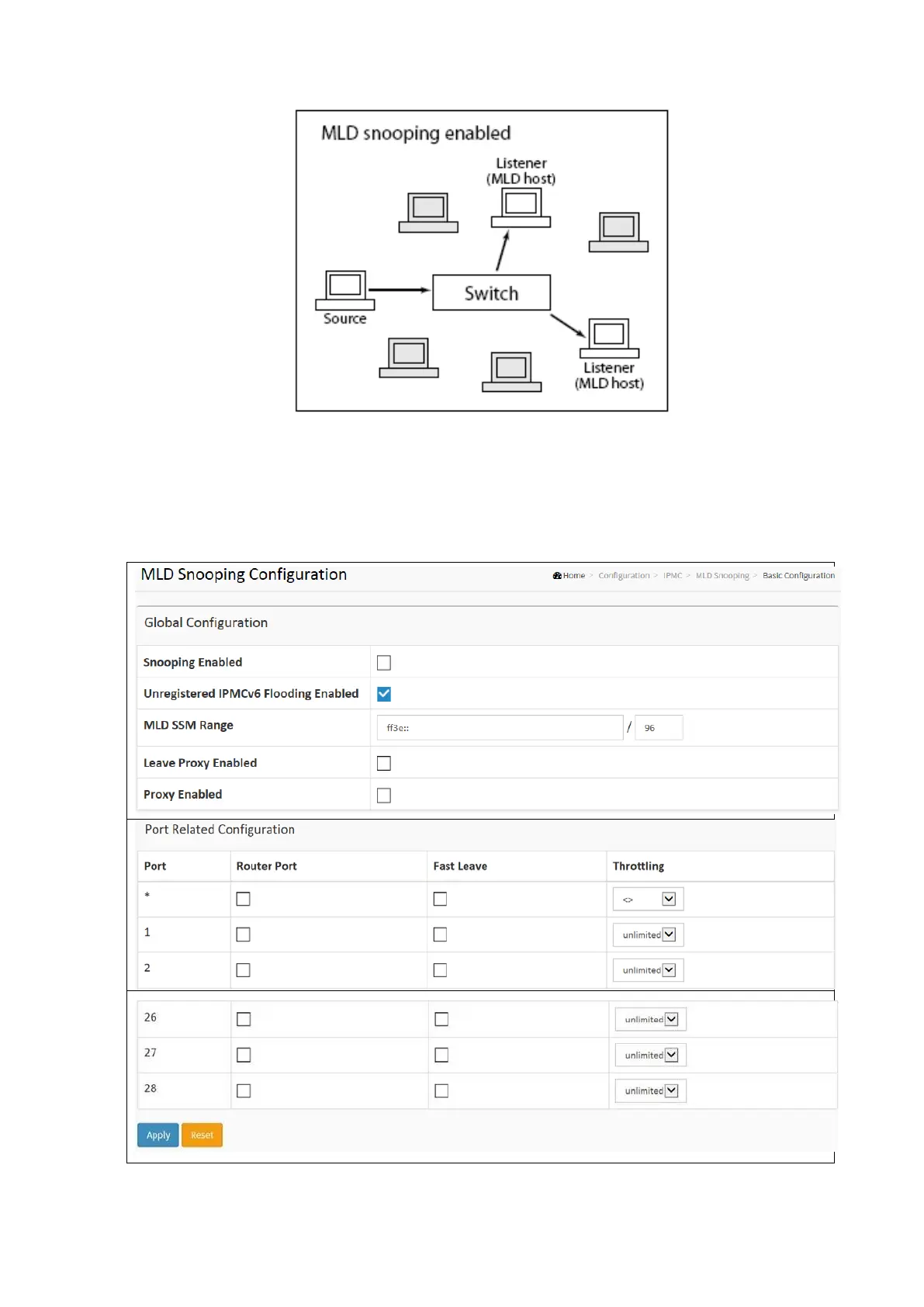
To configure the MLD Snooping Port Group in the web interface:
• Click Configuration / MLD Snooping / Basic Configuration
• Enable or Disable the Global configuration parameters. Select the port to join Router Port and fast Leave
• Select the Throttling mode with Unlimited, 1, to 10.
• Click Apply and click the Save icon in the upper right corner to save the settings or click Reset to cancel. The
Form will return to the previously saved settings.



 To Next Page