37
details, please refer to the introduction of the vehicle identification
chapter.
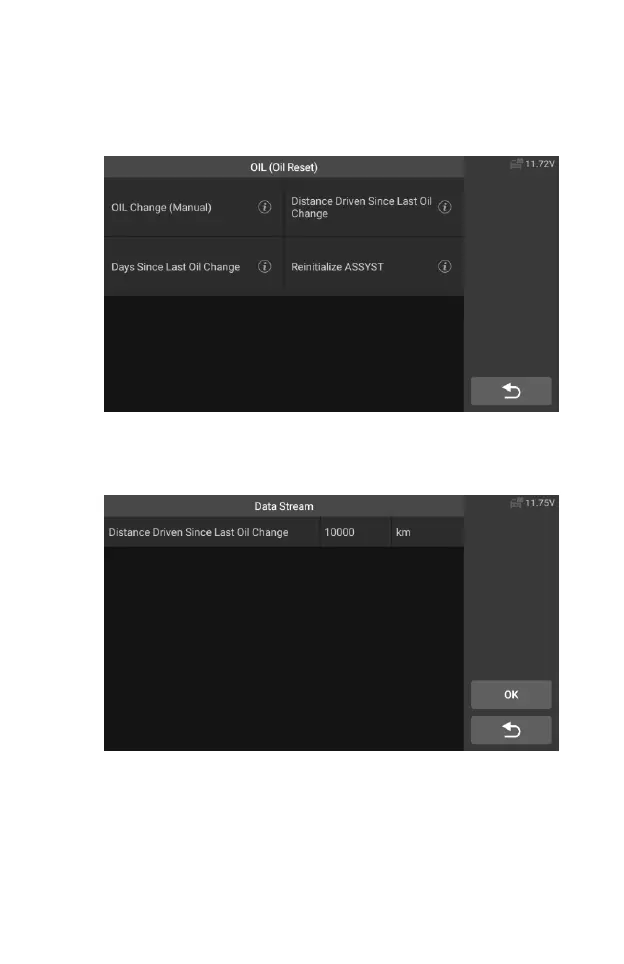
4. Select the "Distance driven since last oil change" option in the
function list. Turn on the vehicle ignition.
Figure 5-8 Sample OIL Function Screen 1
5. Wait for communication between vehicle and equipment. When the
data stream interface appears, tap [Reset] to next step.
Figure 5-9 Sample OIL Function Screen 2
6. Enter the required mileage after oil change and tap [OK] to next step
until the application is completed. Tap [OK] to exit.










 To Next Page