38
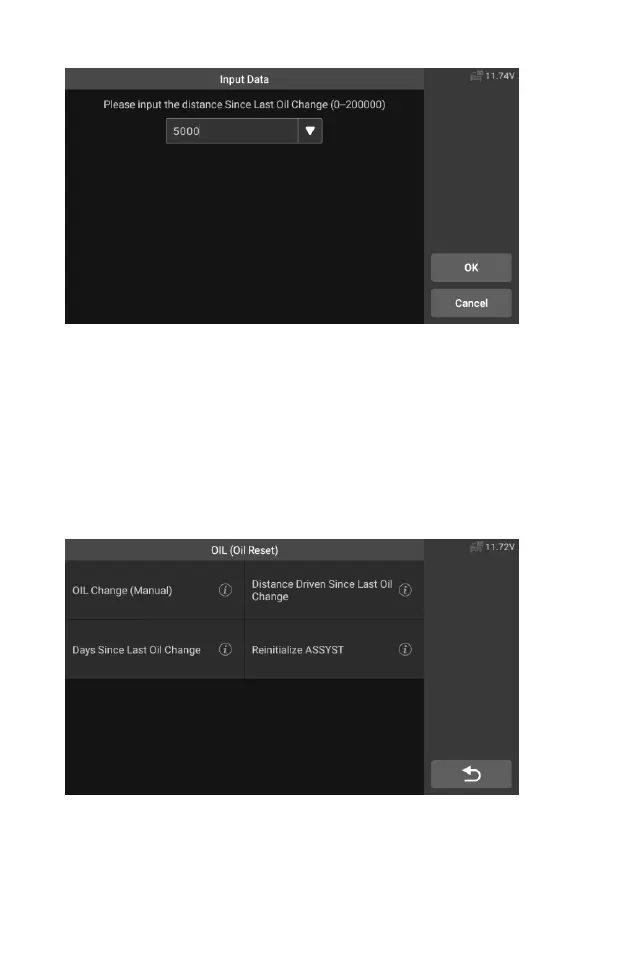
Figure 5-10 Sample OIL Function Screen 3
Set the number of days since last oil change:
1. Tap the Service application button from the CR Genius Job Menu.
2. Tap Oil Reset button and wait for the vehicle manufacturer screen.
Then you can tap Auto Identify to acquire vehicle VIN information
and tap OK to confirm. Or you can tap the Vehicle Select to choose
the test vehicle. See Vehicle Identification on section 4.2 for detail
3. Select the "Days since last oil change" option in the function list.
Turn on the vehicle ignition.
Figure 5-11 Sample OIL Function Screen 4
4. Wait for communication between vehicle and equipment. When the
interface of data stream appears, tap [Reset] to next step.










 To Next Page