44
Using Land Rover as an example:
If the vehicle has replaced the fuel injector, in order to ensure the normal
operation of the fuel injector, you need to carry out this operation to replace the
fuel injector code.
To perform Injector functions
1. Tap the Service application button from the CR Genius Job Menu.
2. Tap Injector icon and wait for the vehicle manufacturer screen.
Then tap Land Rover icon from the screen. Waiting for vehicle
communication.
3. You can tap Auto Identify to acquire vehicle VIN information and
tap OK to confirm. Or you can tap the Vehicle Select to choose
the correct vehicle according to the on-screen instructions. For
details, please refer to the introduction of the vehicle identification
chapter.
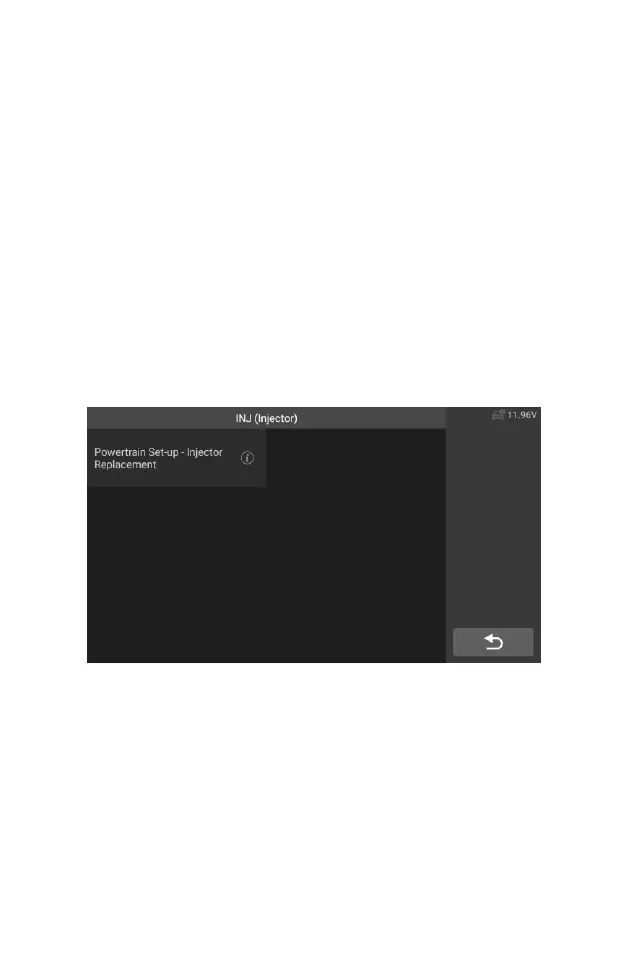
4. Select the "Powertrain Set - Up - Injector Replacement" option in
the function list. The list may vary by vehicle.
Figure 5-21 Sample Injector Screen 1
5. When the next screen prompts to replace a single injector, the
injector control module needs a new configuration value to make
the injector work normally.










 To Next Page