46
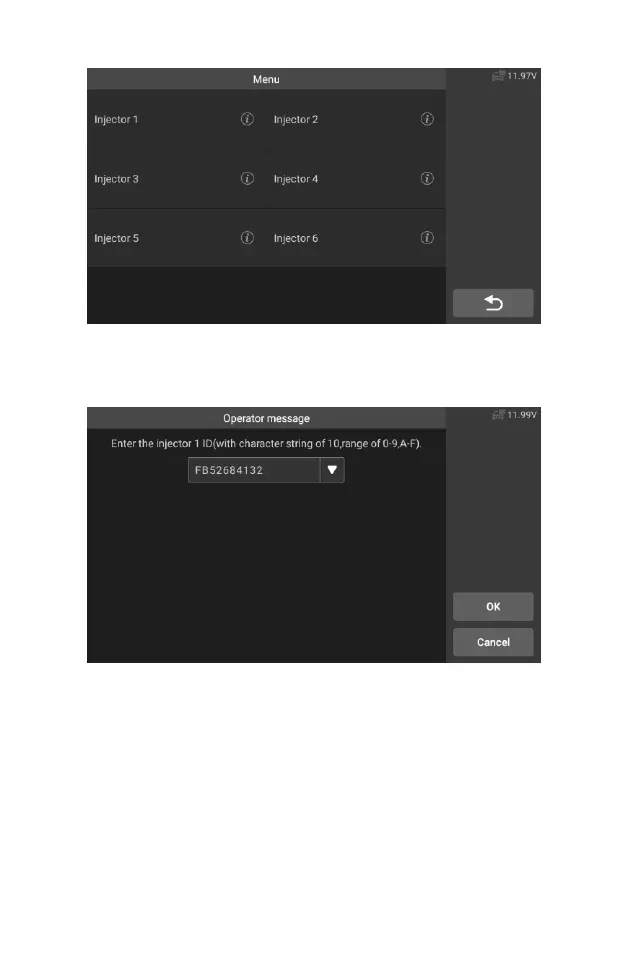
Figure 5-24 Sample Injector Screen 4
8. Read the 10 digit sensor code from the replaced injector, press the
[OK] to call up the input box and input the identification number.
Figure 5-25 Sample Injector Function Screen 5
9. Press [OK] to complete the execution. You can perform the next
injector code change or exit application.










 To Next Page