18
4
BASIC OPERATION
4
■ Squelch level setting
The squelch circuit mutes the received audio signal depend-
ing on the signal strength. The receiver has 9 squelch levels,
a continuously open setting and an automatic squelch setting.
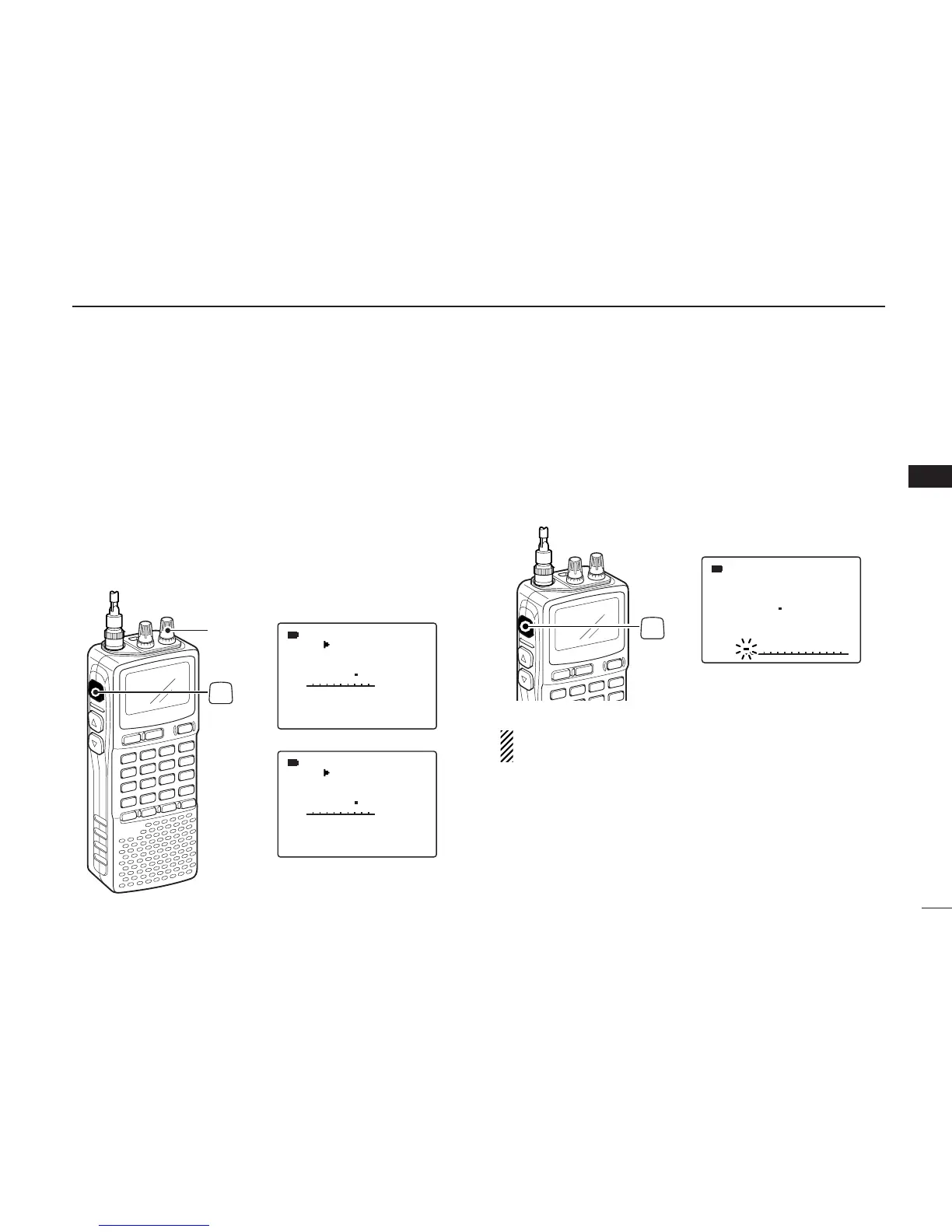
➥ While pushing and holding [SQL], rotate [R-DIAL] to se-
lect the squelch level.
•“LEVEL 1” is loose squelch and “LEVEL 9” is tight squelch.
•“AUTO” indicates automatic level adjustment with a noise pulse
count system.
• “OPEN” indicates continuously open setting.
■ Monitor function
This function is used to listen to weak signals without disturb-
ing the squelch setting or to open the squelch manually even
when mute functions such as the tone squelch are in use.
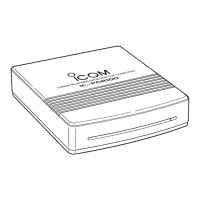
➥ Push and hold [SQL] to monitor the operating frequency.
• The 1st segment of the S-meter blinks.
The [SQL] key can be set to ‘sticky’ operation in expanded
set mode. See page 54 for details.



 To Next Page