38
7
SCAN OPERATION
■ Auto-memory write scan
This scan is useful for searching a specified frequency range
and automatically storing busy frequencies into memory
channels. The auto-memory write scan is performed with any
VFO scan types (ALL, BAND, PROG).
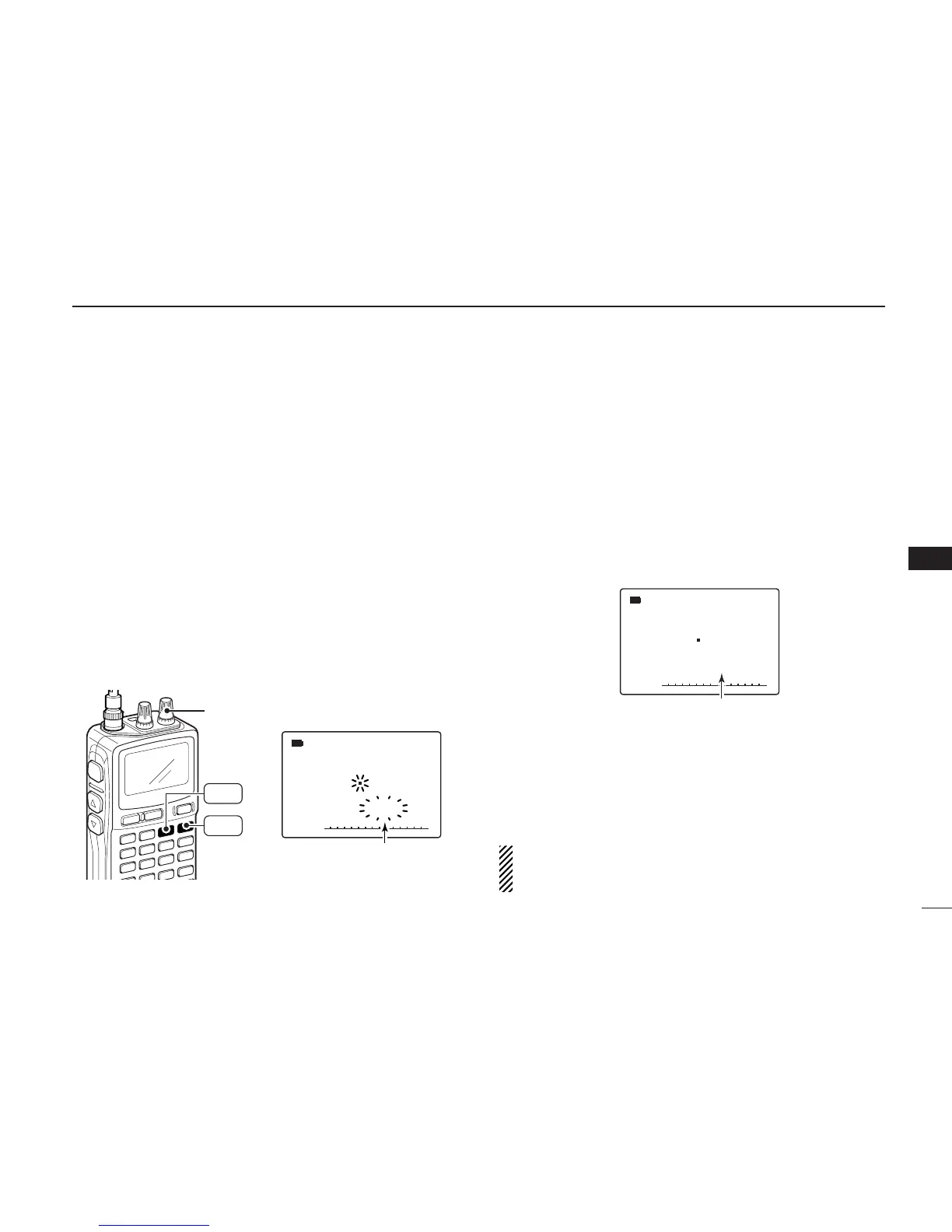
qSelect VFO mode with [VFO MHz].
wPush and hold [MODE SCAN] to enter scanning type se-
lection condition.
eRotate [R-DIAL] to select the desired scanning type.
• “ALL” for full scan; “BAND” for band scan, “PROG-xx” for pro-
grammed scan (xx= 0 to 24; programmed scan edges numbers
only displayed)
rRelease [MODE SCAN] to start the scan.
tPush [MR S.MW] to turn the automatic memory write func-
tion ON and OFF.
•“
µµ
” indicator blinks.
yPush [DUALWATCH] to stop the scan.
DD
During auto-memory write scanning:
• When a signal is received, scan pauses and the frequency
is stored into auto-memory write channel group (
åå
000 –
åå
199).
-2 short beeps sound when stored.
• Scan resumes after frequency storing.
• When all channels are stored, the scan is cancelled auto-
matically and 1 long beep sounds.
DD
Recalling the stored frequencies:
qPush [MR S.MW] several times to select the auto-memory
write channel group.
wRotate [R-DIAL] to select the desired channel.
DD
Clearing the stored frequencies:
qSelect the auto-memory write channel group.
wPush [5 SKIP] for 1 sec. to clear the all channels contents.
•1 short and 1 long beeps sound.
NOTE: The auto-memory write channel contents CANNOT
be cleared by an independent channel. Thus it is a good
idea to copy the contents into regular memory channel.



 To Next Page